Common JSON Syntax Errors and How to Fix Them
Trailing commas, single quotes, comments, NaN and invisible characters: what each JSON parse error means, how to find the exact line, and how to fix it.
 By Avinash KoriPublished 7 min read
On this page
JSON looks simple, and that is exactly why it breaks so often. It borrows its syntax from JavaScript object literals, so it is easy to write something that looks right, works in a .js file, and is still rejected by every JSON parser. The error messages don't help much either: "Unexpected token" tells you where the parser gave up, not what you did wrong.
This guide walks through the errors you will actually meet, shows the message each one produces in JavaScript (V8, used by Chrome and Node.js) and Python, and explains the fix. If you just want to find the problem in a document right now, paste it into the JSON Validator: it reports the first error with its line and column.
How to read a JSON error message
Every JSON parser reads the text from left to right and stops at the first character that cannot continue a valid document. The position it reports is where it noticed the problem, which is often one character after the real mistake.
Modern V8 versions include the line and column:
Expected ',' or '}' after property value in JSON at position 8 (line 1 column 9)Older versions, and many libraries, only give a character offset ("position 8"). Python's json module reports both:
Expecting property name enclosed in double quotes: line 1 column 9 (char 8)Positions count from zero, columns from one. When a message only gives a position, a validator or an editor that shows the cursor offset saves you from counting characters by hand.
Tip: when the reported spot looks fine, look just before it. A missing comma on line 12 is reported at the first character of line 13.
1. Trailing commas
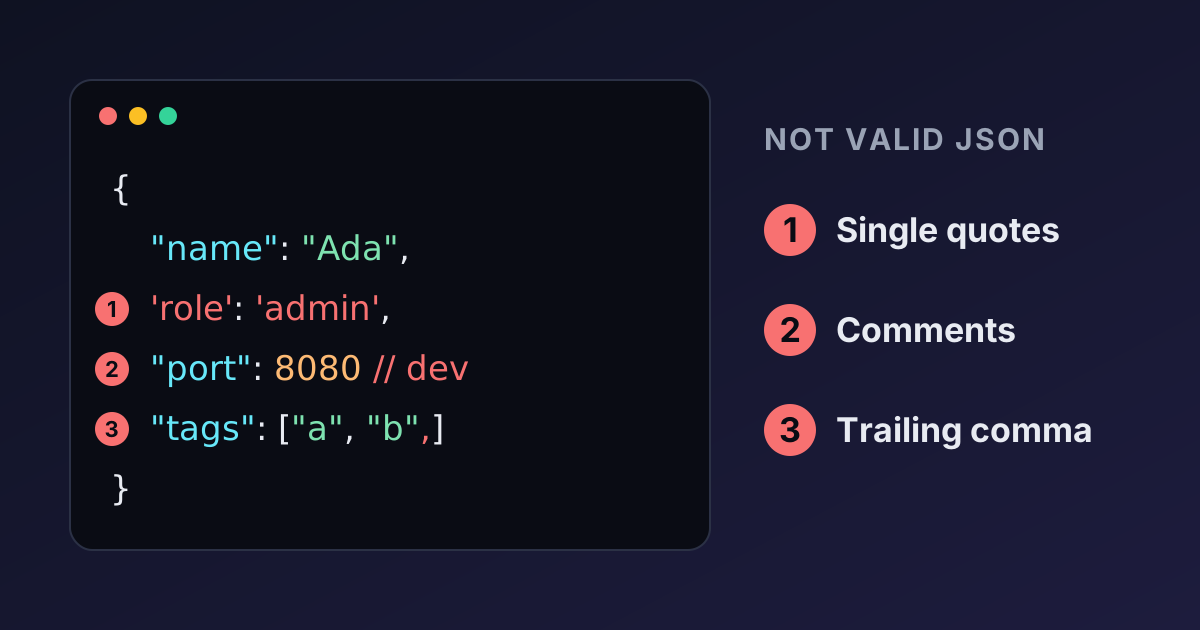
The most common JSON error by far. JavaScript, TypeScript and Python all allow a comma after the last item; JSON does not.
{
  "name": "Ada",
  "languages": ["en", "fr",],
}
V8 reports Unexpected token ']', ..."en", "fr",],}" is not valid JSON, and Python reports Expecting value. The fix is to delete the comma after the last element of every array and object. Trailing commas usually appear when you delete the last line of a list in an editor, or when JSON is built by string concatenation in a loop.
If you generate JSON in code, never build it by joining strings. Use JSON.stringify() in JavaScript or json.dumps() in Python, which can't produce a trailing comma.
2. Single quotes and unquoted keys
JSON strings and keys must use double quotes. Both of these are invalid:
{'name': 'Ada'}
{name: "Ada"}
Each gives Expected property name or '}' in JSON at position 1 in V8. This often happens when someone copies a Python dict printed with print() (Python's repr uses single quotes) or a JavaScript object from the browser console. Convert the data with a real serializer instead of copying its printed form: json.dumps(data) in Python, JSON.stringify(data) in JavaScript.
3. Comments
JSON has no comments. Neither // nor /* */ is allowed:
{
  "port": 8080 // default port
}
V8 stops with Expected ',' or '}' after property value. Some tools accept "JSON with comments" (VS Code settings, tsconfig.json), but they use a more lenient parser called JSONC. A file that works there can still fail in JSON.parse(), jq or an API.
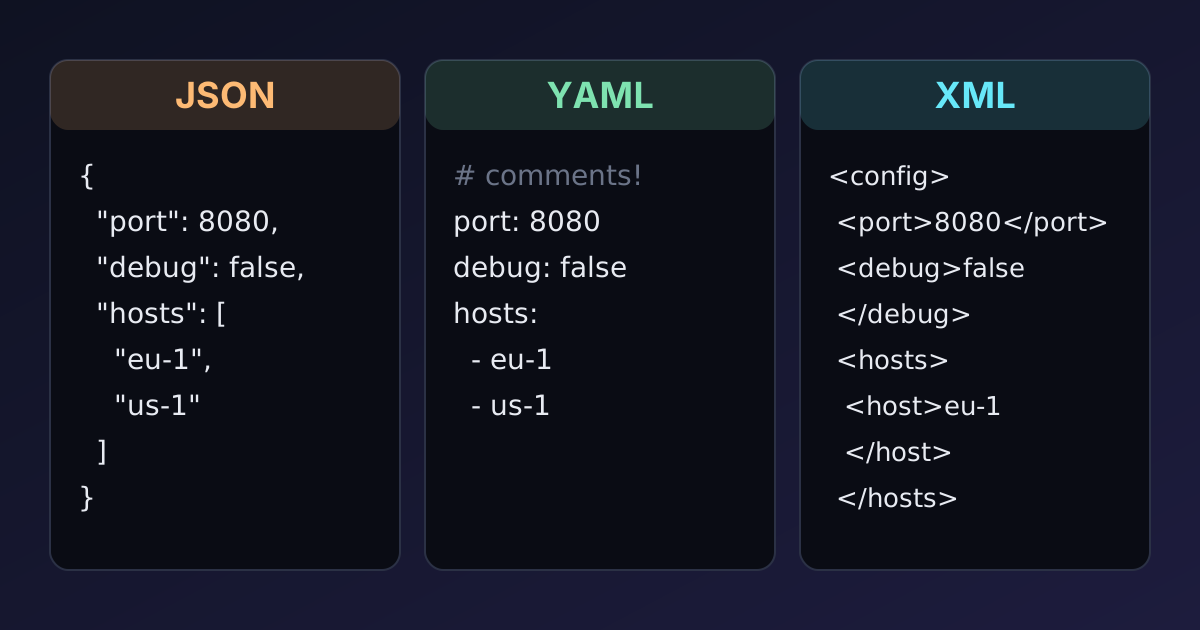
If a config needs explanations, either move them to documentation, add a "_comment" key that your program ignores, or switch the file to a format that supports comments, such as YAML. Our comparison of JSON, YAML and XML covers when that is worth it.
4. Missing commas between items
{
  "a": 1
  "b": 2
}
The parser reads 1, expects a comma or a closing brace, and finds "b". The message points at line 3, but the missing comma belongs at the end of line 2. This is why "look just before the reported spot" is the most useful habit for JSON errors.
5. Values JSON doesn't have
JSON has exactly six kinds of value: objects, arrays, strings, numbers, true/false and null. Several things that look like values in JavaScript are not among them:
| Written as | Why it fails | Use instead |
|---|---|---|
undefined | Not a JSON value | null, or leave the key out |
NaN, Infinity | Not valid numbers in JSON | null or a string such as "NaN" |
0x1F | No hexadecimal numbers | 31 |
02134 | Leading zeros are not allowed | 2134, or "02134" for codes like ZIP codes |
.5 or 5. | Digits are required on both sides of the point | 0.5, 5.0 |
'text' | Single-quoted string | "text" |
NaN deserves a special warning because Python produces it. json.dumps(float("nan")) returns the text NaN, and json.loads accepts it back, so a Python service can happily write a file that a JavaScript client then refuses to parse. Pass allow_nan=False to json.dumps to make Python raise an error instead, and clean the data before it is serialized.
Leading zeros matter for identifiers: ZIP codes, phone numbers and product codes are strings, not numbers. Storing 02134 as a number would also lose the zero.
6. Control characters and line breaks inside strings
A raw tab or newline inside a string is invalid. It must be escaped:
{"note": "line one
line two"}
V8 reports Bad control character in string literal. Write \n for a newline and \t for a tab: {"note": "line one\nline two"}. These errors usually come from text pasted out of a spreadsheet cell or a log message. A serializer escapes them for you; hand-edited JSON is where they slip in.
Backslashes need escaping too. A Windows path must be written as "C:\\Users\\ada", because \U is not a valid escape sequence.
7. Invisible characters: BOM and smart quotes
Some errors point at a position where you can see nothing wrong. Two invisible culprits cause most of them:
- A byte order mark (BOM) at the very start of the file. Some Windows editors save UTF-8 with a BOM (
U+FEFF).JSON.parserejects it withUnexpected token '', where the "token" looks empty. Save the file as UTF-8 without BOM, or strip the first character if it is\uFEFF. - Curly quotes (
“ ”) instead of straight quotes ("). Word processors, chat apps and some note apps replace quotes automatically. The JSON looks perfect but every string is broken. Retype the quotes, or paste the text into a plain-text editor first.
Non-breaking spaces (U+00A0) copied from web pages can cause the same confusion. If you suspect hidden characters, the Unicode Escape tool shows every non-ASCII character as an escape sequence, so they become visible.
8. "Unexpected token <" and "Unexpected end of JSON input"
These two messages usually mean the problem is not in your JSON at all.
Unexpected token '<', "<!DOCTYPE "... is not valid JSON means the text starts with <: you received an HTML page instead of JSON. Typical causes are a 404 or 500 error page, a login redirect, or a proxy error. Check the response status and the Content-Type header before parsing:
const response = await fetch('/api/users');
if (!response.ok) throw new Error(`HTTP ${response.status}`);
const users = await response.json();
Unexpected end of JSON input means the text ended before the document was complete: an empty response body (for example a 204 No Content), a truncated file, or a missing closing bracket. Log the raw text length before parsing to tell the cases apart.
A reliable workflow for fixing broken JSON
When a large document refuses to parse, work through it in this order:
- Find the first error. Paste the document into the JSON Validator. It shows the line and column of the first problem, so you don't have to count characters.
- Look one token back. Check the end of the previous line for a missing or extra comma before changing anything at the reported spot.
- Fix one error at a time. A parser only reports the first error. After each fix, validate again; one missing quote can cause a cascade of later errors.
- Format the result. Run the fixed document through the JSON Formatter. Consistent indentation makes unbalanced brackets obvious.
- Explore large documents as a tree. For big API responses, the JSON Viewer lets you collapse sections and confirm the structure is what you expect.
Valid JSON can still be wrong
A document can parse and still cause bugs. Two cases are worth knowing:
- Duplicate keys.
{"a": 1, "a": 2}is accepted by most parsers, which silently keep the last value. Different parsers may disagree, which has caused real security issues when two services read the same document differently. - Large integers. JavaScript numbers are 64-bit floats, so integers above 2^53 lose precision:
JSON.parse('{"id": 12345678901234567890}')gives12345678901234567000. APIs that use 64-bit IDs (Twitter/X did, famously) send them as strings for this reason.
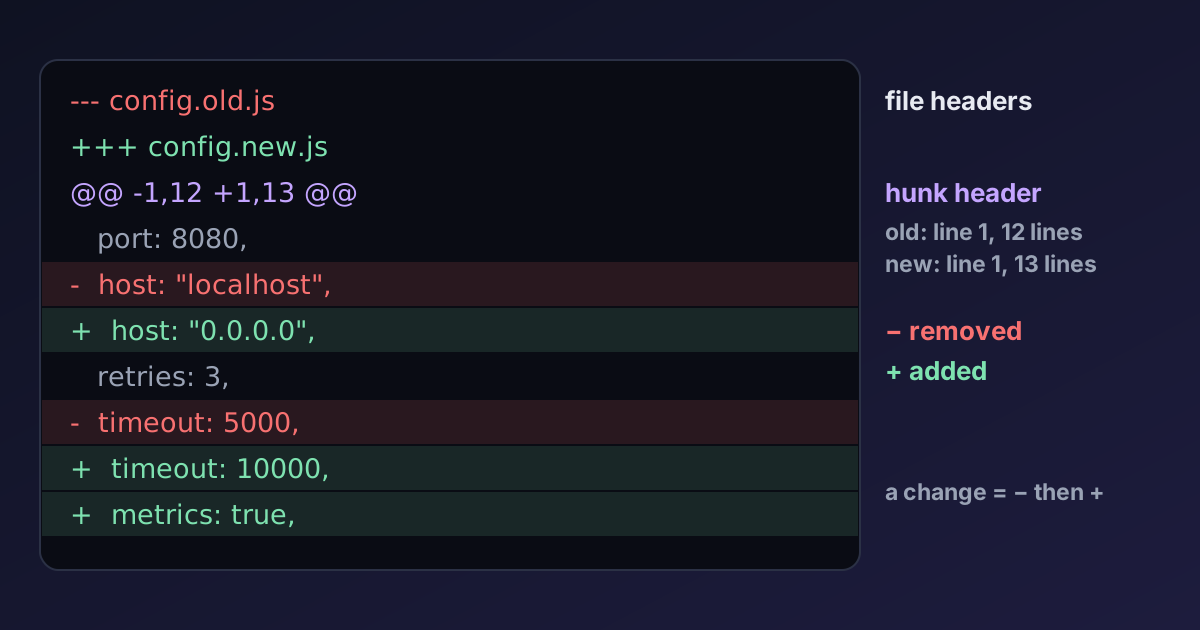
If you compare two versions of a document to find what changed, use a JSON diff, which ignores key order and formatting. Our guide on comparing JSON files explains why a plain text diff is not enough.
Summary
Most JSON errors come from writing JavaScript or Python syntax where JSON is stricter: trailing commas, single quotes, comments and values like undefined or NaN. The rest come from invisible characters and from parsing something that isn't JSON at all, like an HTML error page. Read the error position, look one token back, fix one error at a time, and let a serializer produce JSON for you whenever you can.

Written by
Avinash Kori
Founder of Devtoolry
Avinash builds Devtoolry, a set of free developer tools that run entirely in the browser, and writes practical guides on the formats, encodings and techniques behind them.
Try it yourself
The free tools used in this article. They run in your browser, so nothing you paste is uploaded.
JSON Validator
Validate JSON online and find syntax errors such as trailing commas or single quotes by exact line and column. Valid documents get a structure summary.
JSON Formatter
Format and beautify JSON with configurable indentation and optional key sorting. Errors are reported with exact line and column.
JSON Viewer
View JSON online as a collapsible tree with value types, item counts and copyable paths. Explore large API responses without scrolling through raw text.