How to Run R Code Online (No RStudio, No Install)
Run R code online in your browser without RStudio: print values, explore built-in datasets, fit a linear model, read stdin, and fix the most common R errors.
 By Avinash KoriPublished 5 min read
On this page
You can run R code online without installing R or RStudio: open an online R compiler, paste your script, press Run and read the printed results. That's enough for homework, a quick statistic, checking a function from a textbook or trying an idea before you open a full IDE. This guide shows what works, using R's built-in datasets, and what to do when a script fails.
Every example below was run in the online R compiler, which runs R 4.6 in your browser with webR. The output is exactly what it printed.
Run your first R script
Open the R compiler, replace the sample with this script and press Run:
cat("Hello, world!\n")
R.version.string
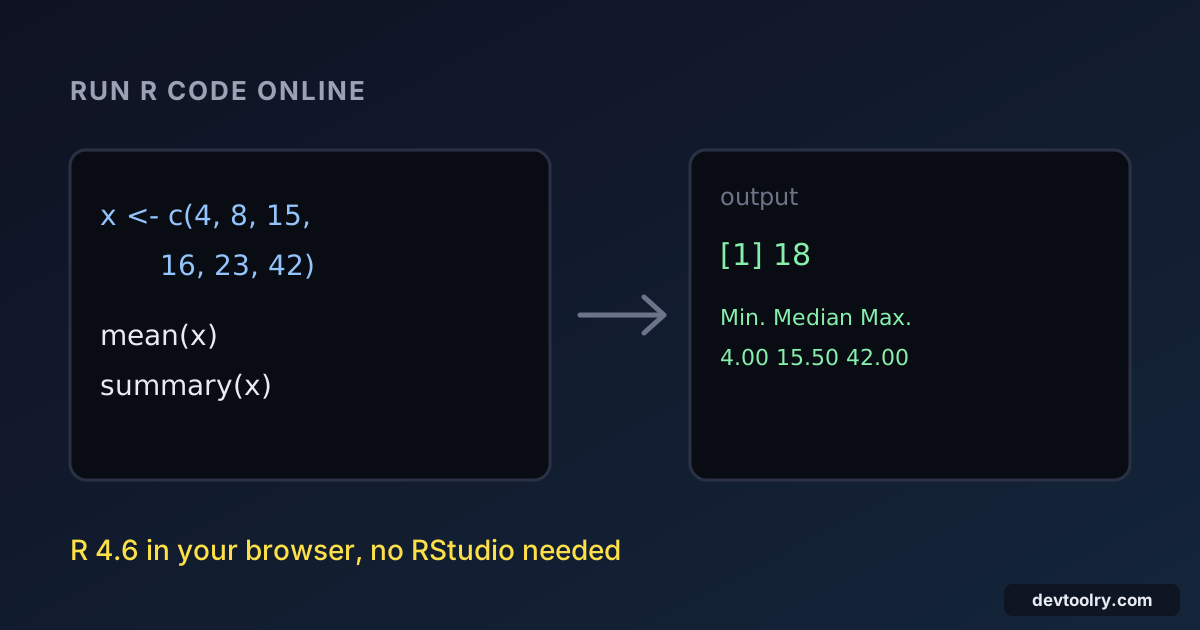
x <- c(4, 8, 15, 16, 23, 42)
mean(x)
summary(x)Hello, world!
[1] "R version 4.6.0 (2026-04-24)"
[1] 18
Min. 1st Qu. Median Mean 3rd Qu. Max.
4.00 9.75 15.50 18.00 21.25 42.00 Two ways of producing output appear here, and the difference matters:
cat()writes text exactly as you give it, with no[1]prefix and no quotes. Use it for messages.- A bare expression on its own line, such as
mean(x), is auto-printed: R shows its value the way the console would, with the[1]index in front.
The first run downloads R (about 15 MB) and then the browser caches it, so later runs start immediately.
Explore a built-in dataset
R ships with practice datasets, so you can start analysing without uploading anything. mtcars holds fuel consumption and design data for 32 cars:
head(mtcars[, c("mpg", "cyl", "wt")], 4)
aggregate(mpg ~ cyl, data = mtcars, FUN = mean) mpg cyl wt
Mazda RX4 21.0 6 2.620
Mazda RX4 Wag 21.0 6 2.875
Datsun 710 22.8 4 2.320
Hornet 4 Drive 21.4 6 3.215
cyl mpg
1 4 26.66364
2 6 19.74286
3 8 15.10000head() shows the first rows, the [, c(...)] part selects three columns, and aggregate() computes the mean miles per gallon for each number of cylinders. Other datasets you can use straight away include iris, airquality, ToothGrowth and faithful. Type the name alone, for example str(iris), to see its columns.
Fit a linear model
Base R includes the stats package, so regression works without installing anything:
fit <- lm(mpg ~ wt, data = mtcars)
round(coef(fit), 2)
summary(fit)$r.squared(Intercept) wt
37.29 -5.34
[1] 0.7528328The model says each extra 1,000 lb of weight costs about 5.3 miles per gallon, and weight alone explains about 75% of the variation in fuel economy. summary(fit) on its own prints the full table with standard errors and p-values. t.test(), cor(), chisq.test(), glm() and anova() all work the same way.
Read input from stdin
An online compiler can't pause for you to type, so put the input in the stdin box before you press Run. Here readline() returns the next line of that box, which is handy for one value. For several lines, read them all at once with readLines():
con <- file("stdin")
lines <- readLines(con)
close(con)
nums <- as.numeric(strsplit(lines[2], " ")[[1]])
cat("Hello,", lines[1], "\n")
cat("Total:", sum(nums), "\n")
With Ada on the first line of the stdin box and 3 4 5 on the second:
Hello, Ada
Total: 12
readLines() returns every line as a character vector, strsplit() breaks the second line on spaces, and as.numeric() turns the pieces into numbers. This is the pattern to use for scripts you'll also run on your own computer: Rscript script.R < input.txt feeds the file to file("stdin") the same way, while readline() in a non-interactive Rscript returns an empty string instead of reading the file.
If your data is in a CSV file, paste the rows into the code with read.csv(text = "name,score\nana,91\nben,78"), which gives you a data frame just as reading the file would. If you need the data as JSON for another tool, the CSV to JSON converter does that in one step.
Common R errors and what they mean
R's error messages name the function that failed, which is usually enough to find the problem.
A package that isn't installed:
library(dplyr)Error in library(dplyr) : there is no package called ‘dplyr’
Execution haltedOnly base R's own packages are available in the browser: base, stats, utils, graphics, datasets and the rest of the standard set. CRAN packages such as dplyr, ggplot2 and data.table can't be installed here. Most dplyr steps have a base R equivalent: subset() for filter(), aggregate() for group_by() plus summarise(), merge() for joins and order() for arrange().
Mixing types:
total <- sum(c(1, 2, "3"))Error in sum(c(1, 2, "3")) : invalid 'type' (character) of argument
Execution haltedc() converts everything to the most general type it sees, so one string turns the whole vector into text. Convert explicitly with as.numeric() before doing arithmetic.
Nothing printed inside a loop. A bare value is only auto-printed at the top level of a script. Inside for, if or a function body, write print(x) or cat(x, "\n") to see it.
Indexing from 0. R vectors start at index 1. x[0] doesn't fail; it quietly returns an empty vector such as named numeric(0), which can hide a bug. x[1] is the first element.
Can you use an online R compiler instead of RStudio?
For short scripts, yes. You get the same R language and the same base packages, the same printed output and the same error messages. RStudio adds an editor with a console, a variable viewer, plots, projects and package management, which you'll want for larger analyses.
An online R compiler is the better choice when you're on a computer where you can't install software, when you want to check one function quickly, or when you're working through a statistics exercise. Keep in mind what the browser sandbox doesn't do:
- No plots. Plot functions run without errors, but the output panel shows text only. Use
summary(),table()andprint()to inspect results. - No CRAN packages. Base R only.
- No files from your disk. Paste data into the script or the stdin box.
- A time limit of a few seconds per run on the free plan, which also stops accidental infinite loops.
Your script and data stay on your device, because R itself runs in your browser with WebAssembly instead of on a server.
Where to go next
If your analysis outgrows base R, the same data work is often easiest in Python: running Python code online covers the equivalent steps, with input read by input() instead of readLines(). For data that lives in tables, the SQL playground lets you query it with SQL instead, and you can compare the same calculation across languages in the Python compiler.

Written by
Avinash Kori
Founder of Devtoolry
Avinash is a full-stack web developer from Surat, India, with eight years of experience in PHP, Laravel and Angular. He built Devtoolry so developers can solve everyday problems quickly with free tools that run entirely in the browser, and writes practical guides on the formats, encodings and techniques behind them.
Try it yourself
The free tools used in this article. They run in your browser, so nothing you paste is uploaded.
R Compiler
Run R code online with R 4.6, data frames, the stats package and datasets like mtcars. webR runs it in your browser, so your code and data stay private.
Python Compiler
Run Python 3 code online with the full standard library and stdin input. It runs in your browser with Pyodide (WebAssembly), so your code stays on your device.
CSV to JSON
Convert CSV to a JSON array online with header detection, type inference and delimiter auto-detection. Turn spreadsheet exports into data for APIs and code.