How to Format PHP Code Online: Beautify, Indent and Follow PSR-12
Format PHP code online: paste messy PHP, get consistent indentation and spacing, learn what PSR-12 requires and when to use Prettier, PHP-CS-Fixer or phpcbf.
 By Avinash KoriPublished 4 min read
On this page
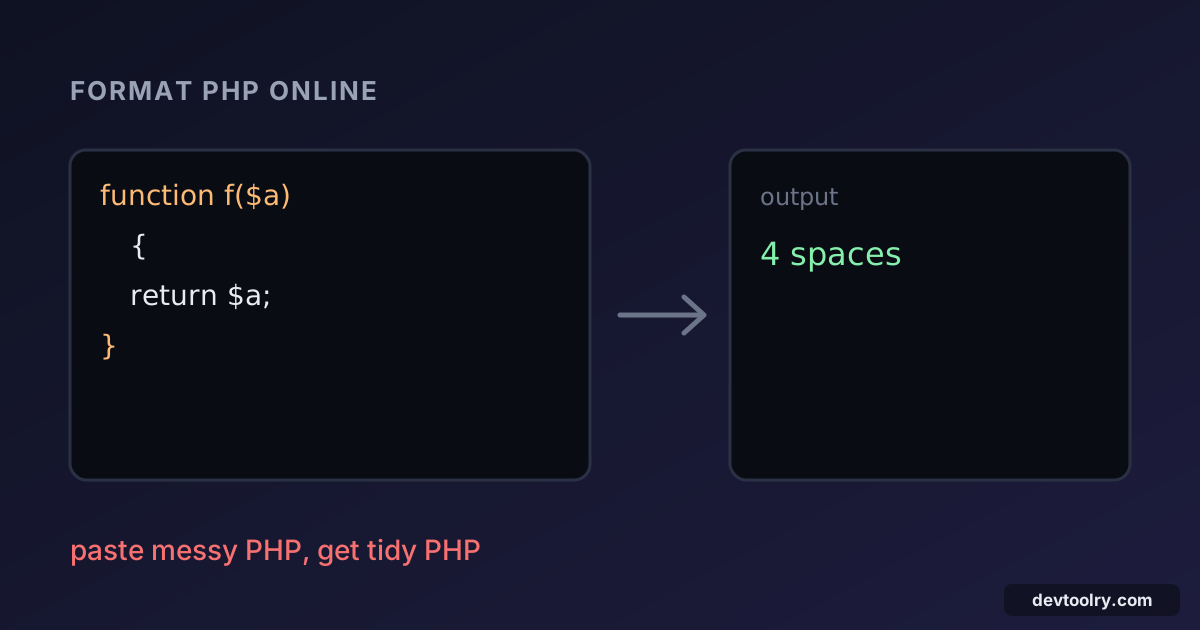
Messy PHP is still PHP: it runs the same. But code with random indentation, cramped operators and braces in three different styles is slow to read and easy to get wrong. A PHP formatter fixes that in one step. You paste the code, and it comes back with consistent indentation, spacing and line breaks.
This guide shows what formatting changes, what the PSR-12 standard expects, how to format PHP online and which tool to use once formatting needs to be part of your workflow.
Format PHP in one step
Paste this unformatted class into the PHP Formatter:
<?php
class Invoice{
private $items=[];
function add($name,$price,$qty=1){
if($qty<1){throw new InvalidArgumentException("Quantity must be positive");}
$this->items[]=['name'=>$name,'price'=>$price,'qty'=>$qty];
return $this;}
function total(){$sum=0;foreach($this->items as $i){$sum+=$i['price']*$i['qty'];}return $sum;}
}
$inv=new Invoice();
echo $inv->add('Book',12.5,2)->add('Pen',1.2)->total();
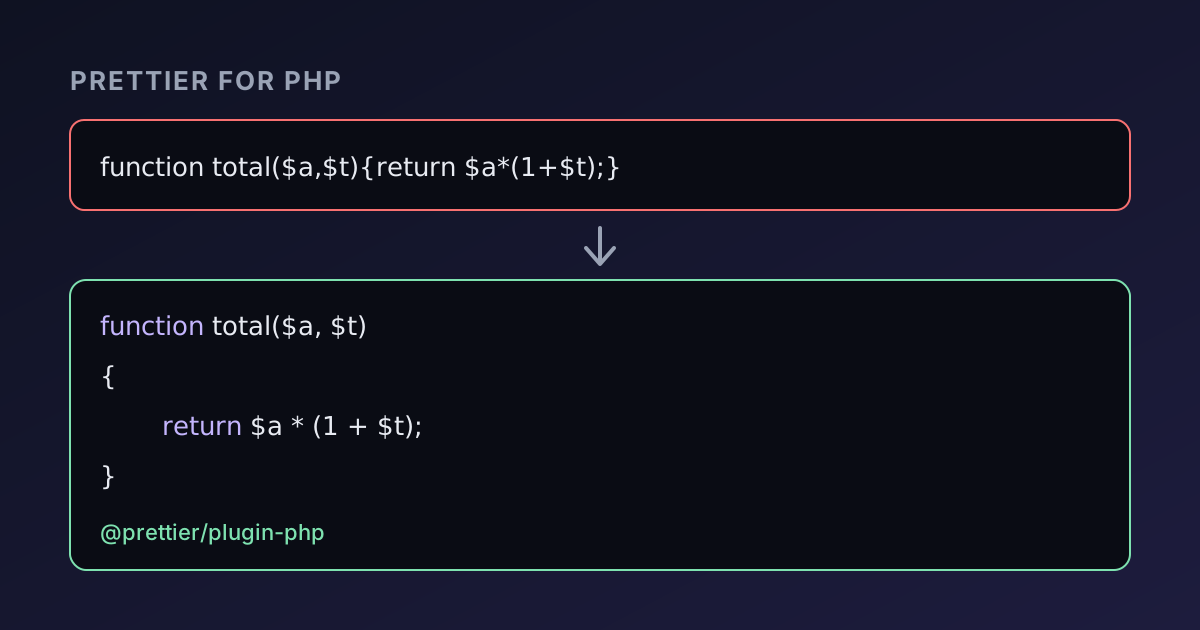
The formatter returns this (output from Prettier 3.9 with the PHP plugin and its default 4-space indentation):
<?php
class Invoice
{
    private $items = [];
    function add($name, $price, $qty = 1)
    {
        if ($qty < 1) {
            throw new InvalidArgumentException("Quantity must be positive");
        }
        $this->items[] = ["name" => $name, "price" => $price, "qty" => $qty];
        return $this;
    }
    function total()
    {
        $sum = 0;
        foreach ($this->items as $i) {
            $sum += $i["price"] * $i["qty"];
        }
        return $sum;
    }
}
$inv = new Invoice();
echo $inv->add("Book", 12.5, 2)->add("Pen", 1.2)->total();
Both versions run and print 26.2. Formatting changed the layout only, never the behaviour. Look at what moved: braces got consistent placement, = and => gained spaces, each method body is indented one level and the long one-line total() became a readable block. Single-quoted strings turned into double-quoted ones, which is Prettier's default and can be changed with the single quote option.
What PSR-12 requires
PSR-12 is the community coding style for PHP, and most frameworks follow it. Its main rules:
- Four spaces for indentation, never tabs.
- Class and method braces on their own line; control-structure braces (
if,foreach,while) on the same line as the keyword. - One statement per line, and a blank line after the namespace declaration and after the
useblock. - Spaces around operators, after commas, and after control-structure keywords, but not inside parentheses.
- A soft limit of 120 characters per line.
- No closing
?>tag in a file that contains only PHP. declare(strict_types=1);goes on the line after the opening tag when you use it.
The formatted class above follows the brace and spacing rules. It does not follow every rule: PSR-12 also wants visibility declared on every method (public function add). Formatters that only change whitespace will not add a missing public. That is a style fixer's job, covered below.
Check the result still parses
A formatter needs valid PHP to start with. If your code has a syntax error the tool reports it with a line and column instead of returning output. A missing semicolon, an unclosed brace or a stray <?php inside a string are the usual causes. On your own machine, php -l file.php lints a file without running it:
No syntax errors detected in file.phpFormat first, then run the code. If the output differs after formatting, the formatter has found something your original relied on, such as two statements joined onto one line that were being read differently than you expected.
Which formatting tool for which job
An online formatter is ideal for a quick clean-up. For a project, pick a tool that runs automatically:
| Tool | What it does | Best for |
|---|---|---|
| Online PHP formatter | Layout and spacing on pasted code | One-off snippets, answers, quick clean-ups |
Prettier with @prettier/plugin-php | Rewrites layout; very few options | Teams that already use Prettier for JavaScript and CSS |
| PHP-CS-Fixer | Applies rule sets such as @PSR12 and can change code, such as adding visibility | Enforcing PSR-12 plus modernising code |
PHP_CodeSniffer (phpcs, phpcbf) | Reports violations, and phpcbf fixes many of them | CI checks that fail a pull request on style |
Prettier's setup, options and CI use are in Prettier for PHP. The general idea of agreeing on one format and letting a tool enforce it is described in code formatting with Prettier.
Questions that come up when formatting PHP
Tabs or spaces? PSR-12 says four spaces. Tabs are a valid personal choice, but a shared project should match its standard, and most PHP tooling assumes spaces.
What happens to long lines? A formatter breaks a long call, array or condition across lines when it passes the print width. Arrays then get one element per line, which makes diffs smaller: adding an item changes one line instead of rewriting the whole row.
Does it handle PHP mixed with HTML? Templates that switch between <?php ... ?> and markup are the hardest case. A formatter lays out the PHP parts and leaves the HTML mostly alone, so check the result on a template before you trust it on a whole project.
Does formatting change comments? Comments are kept, though their indentation follows the code around them. A docblock keeps its content and alignment.
Will it fix bugs? No. A formatter never changes what the code does. A misspelled variable, a missing return or a wrong comparison will still be there, only easier to see.
Habits that make formatting stick
- Format on save in your editor, so you never commit unformatted code.
- Commit a config file (
.prettierrc,.php-cs-fixer.phporphpcs.xml), so everyone uses the same rules. - Check formatting in CI, so a style problem fails the build rather than a review comment.
- Format in a separate commit when adopting a formatter on an old codebase. The diff is huge, and mixing it with real changes makes review impossible.
Related PHP tools
Need the data side of PHP? The JSON to PHP converter turns JSON into PHP code you can paste into the formatter. To test a snippet, the PHP compiler runs it in your browser. Everything on Devtoolry runs locally, so your code is not uploaded.

Written by
Avinash Kori
Founder of Devtoolry
Avinash is a full-stack web developer from Surat, India, with eight years of experience in PHP, Laravel and Angular. He built Devtoolry so developers can solve everyday problems quickly with free tools that run entirely in the browser, and writes practical guides on the formats, encodings and techniques behind them.
Try it yourself
The free tools used in this article. They run in your browser, so nothing you paste is uploaded.
PHP Formatter
Format PHP code online with Prettier for PHP (@prettier/plugin-php): PSR-12 braces, spacing and 4-space indentation. No install, and nothing is uploaded.
JSON to PHP Array
Convert JSON to a PHP array literal online, using short [] or long array() syntax. Paste API responses straight into PHP code, tests and config files.
PHP Compiler
Run PHP 8.4 code online and see the output instantly, with stdin input and mbstring. PHP runs in your browser with WebAssembly, so your code stays private.