Best Free Background Remover in 2026: What to Check Before You Choose
How to pick a free background remover: full-resolution downloads, watermarks, bulk limits, privacy and edge quality, plus what remove.bg's move to Canva means.
 By Avinash KoriPublished 5 min read
On this page
Search for "background remover" and you'll find dozens of tools that all promise the same thing: one click, AI, free. Try a few and the differences appear quickly. One gives you a free download the size of a thumbnail. Another stamps a watermark on it. A third wants an account before it lets you download anything.
This article explains what actually separates background removers, so you can judge any of them in a minute, and what the change at remove.bg means if you've been using it.
What changed at remove.bg
remove.bg was for years the default answer to "how do I remove a background". In October 2026 its website shows a notice: its background removal is moving to Canva, and the standalone website will no longer be available from 1 December 2026.
If remove.bg is part of your workflow, now is a good time to pick a replacement and test it on your own photos. The checklist below works for any tool, including ours.
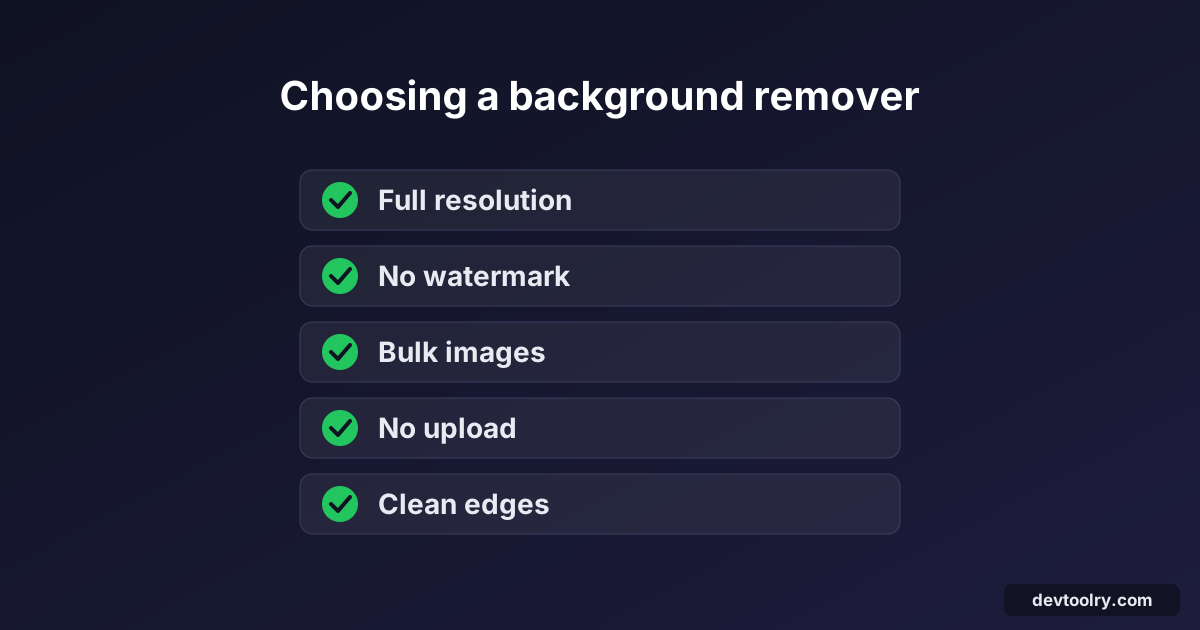
The five things that matter
1. Full-resolution download for free
This is the biggest difference between tools, and the one that's easiest to miss. Many services let you download a preview for free and charge credits for the full-size file. On remove.bg, for example, a 700 × 1000 photo offered a free preview of 418 × 597 pixels and the 700 × 1000 version behind an "Unlock" button.
A preview is fine for a chat profile picture. It isn't fine for printing, product listings or anything you'll zoom into. Test with a large photo, such as one straight from your phone, and check the pixel size of what you download.
Why the difference exists: AI models work on a small copy of the image, often 1024 × 1024 pixels. Producing the full-size result means scaling the model's mask up to the original size and applying it to the original pixels. That's cheap, but upload-based services pay for bandwidth and storage on every large file, so they charge for it.
2. No watermark
Some free tiers add a logo or text over the result. Check the downloaded file, not the on-screen preview: some sites show a clean preview and watermark the download.
3. Bulk processing
If you have a product catalogue, removing backgrounds one by one isn't realistic. Upload-based services usually limit bulk processing to paid plans or an API, because every image costs them server time.
Tools that run the model in your browser don't have that per-image cost, so they can let you add as many images as you want. The trade-off is speed: your own device does the work. With a graphics card (WebGPU) it's fast; on the processor alone, expect several seconds per photo.
4. Privacy: where does your photo go?
With most online background removers, your photo is uploaded to a server, processed there and stored for some time under the service's privacy policy. For ID photos, photos of children or unreleased products, that matters.
A browser-based tool downloads the AI model once and processes your photos on your device; the images themselves never leave it. You can check this in your browser's developer tools: the Network tab shows what's uploaded.
5. Edge quality
All modern tools handle a person against a plain wall. The differences show up on:
- hair, especially loose strands against a busy background;
- low contrast, like a beige shirt against a beige wall;
- see-through objects such as glasses and bottles;
- several overlapping objects.
Use the same three or four "hard" photos to compare tools, and zoom in to the edges at 100 % before you decide. No model is perfect on every photo, so also check whether the tool lets you fix mistakes by hand, with an erase and restore brush, without paying for an editor.
A quick comparison checklist
Run this test with any background remover, using one large photo and one hard photo:
| Check | What a good result looks like |
|---|---|
| Downloaded size | Same width and height as your original |
| Watermark | None in the downloaded file |
| Account | Not needed to download |
| Bulk | Several images at once, with a ZIP download |
| Upload | Not required (or a clear deletion policy) |
| Formats | Transparent PNG or WebP, plus JPG with a white background |
| Edges | Hair and soft edges kept as partial transparency |
| Touch-up | An erase and restore brush to fix leftovers by hand |
Where Devtoolry's Background Remover fits
We built the Background Remover to pass that checklist:
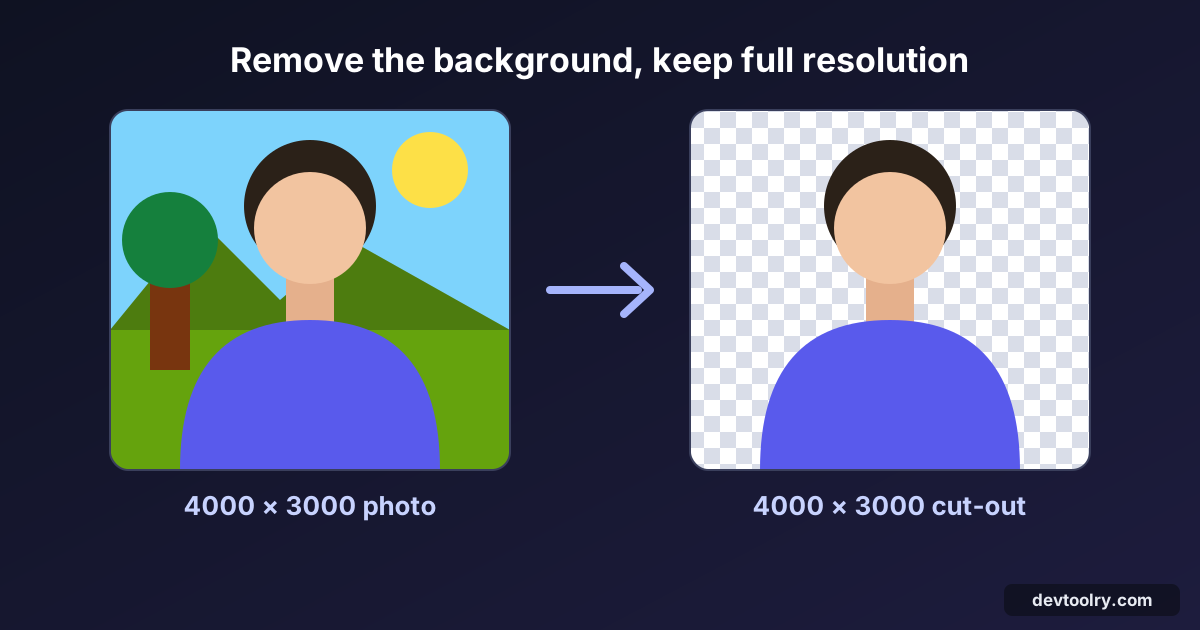
- Full resolution, free: the mask is applied to your original pixels, so a 4000 × 3000 photo comes back as a 4000 × 3000 cut-out.
- No watermark, no account, no credits.
- Bulk: add as many photos as you like and download them as a ZIP.
- No upload: an open-source AI model runs in your browser and downloads once: ormbg on most devices, BiRefNet on graphics cards that can run it.
- Transparent, white or any colour as the background, as PNG, JPG or WebP, with an optional crop to the subject.
- Erase and Restore brushes (Touch up edges) to clean up a leftover shadow or bring back a part the model missed.
What it doesn't do: it works on photos, not video, so for "video background remover" searches you need a video editor. And because it runs on your device, a phone without a usable graphics card is slower than a server would be.
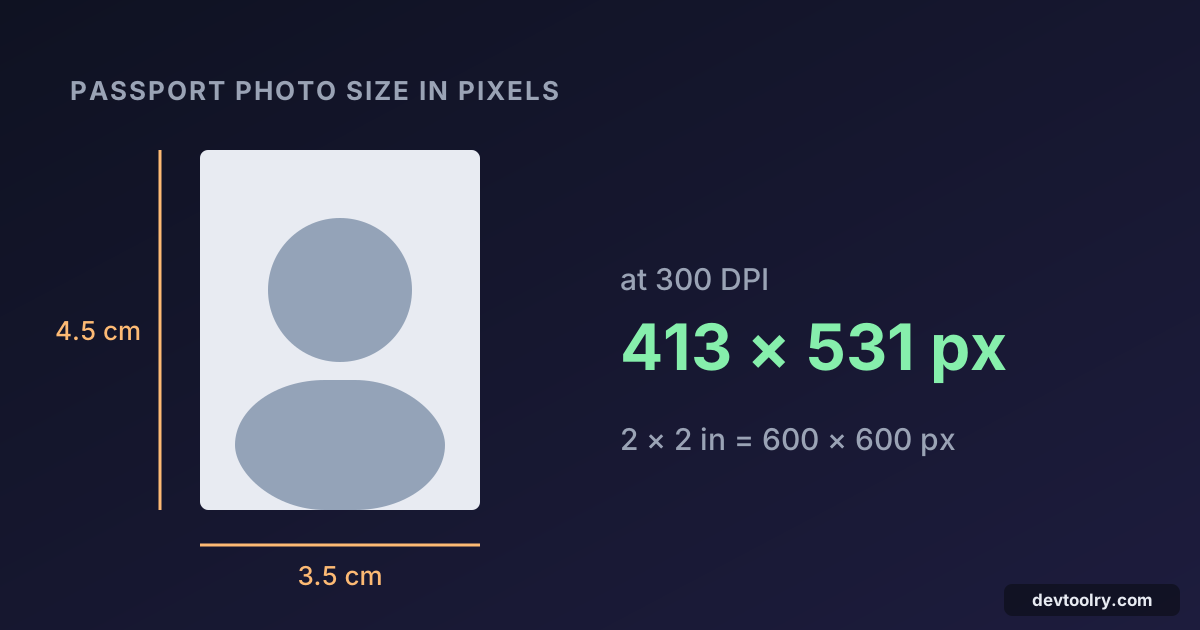
For the step-by-step guide, including passport and product photos, see how to remove the background from an image for free.
After removing the background
Most cut-outs end up in a form or a shop, which have their own rules:
- Marketplaces usually want a square image on white: choose White in the background remover, then use the Image Resizer for the exact size.
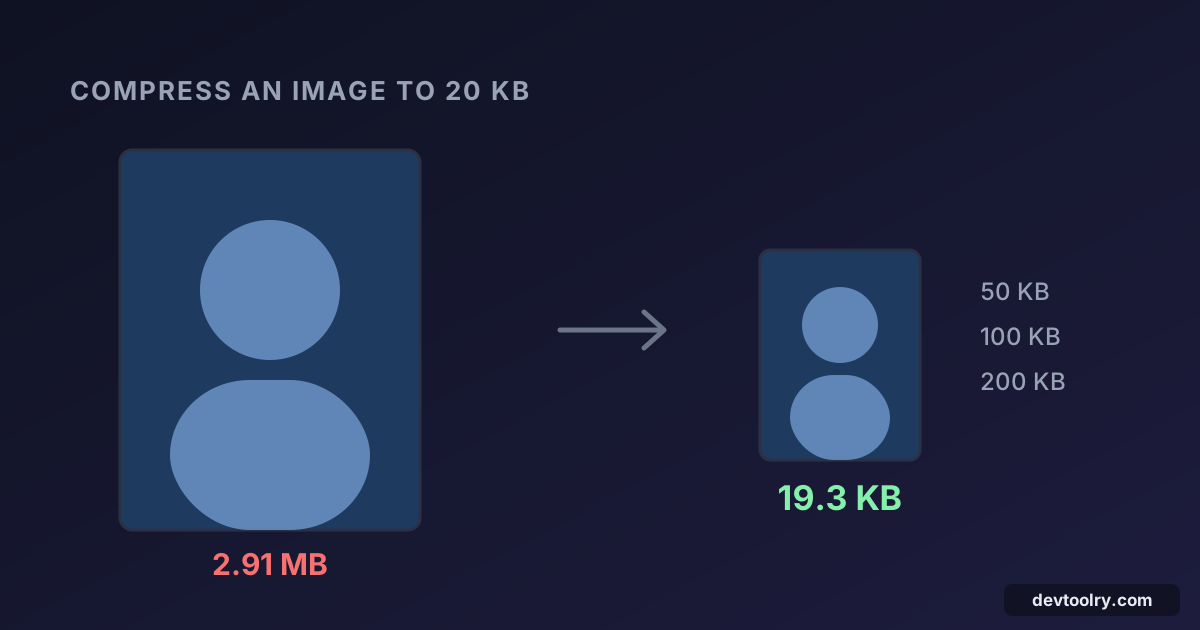
- Online forms often limit file size to 50 KB or 100 KB: the Image Compressor can hit a target size.
- Web pages load faster with WebP than PNG for large cut-outs.
Summary
The "best" background remover is the one that gives you a full-resolution file without a watermark, handles your number of images, and keeps your photos where you're comfortable with them. Test two or three tools on your own hardest photo and compare the downloads, not the previews. If you're moving away from remove.bg before December, that ten-minute test is worth doing now.

Written by
Avinash Kori
Founder of Devtoolry
Avinash is a full-stack web developer from Surat, India, with eight years of experience in PHP, Laravel and Angular. He built Devtoolry so developers can solve everyday problems quickly with free tools that run entirely in the browser, and writes practical guides on the formats, encodings and techniques behind them.
Try it yourself
The free tools used in this article. They run in your browser, so nothing you paste is uploaded.
Background Remover
Remove the background from photos free with AI: full HD resolution, bulk images, transparent PNG or white background. No upload, no sign-up, no watermark.
Image Compressor
Compress JPG, PNG and WebP images online to an exact size like 20 KB, 50 KB or 100 KB for upload forms, or by quality. Images never leave your browser.
Image Resizer
Resize images online to exact pixels, a percentage or presets like 1200×630 for Open Graph. Crop to fill, pad or stretch, in batches, without uploading.