How to Run C++ Code Online: Compile C++20 with Input in Your Browser
Run C++ code online with C++20: compile a first program, feed stdin, use vectors and structured bindings, read g++ errors and avoid the common beginner traps.
 By Avinash KoriPublished 4 min read
On this page
You can write, compile and run C++ without installing anything. An online compiler is the quickest way to test a snippet, try a C++20 feature or work through an exercise when you are not at your own machine. This guide shows how to run C++ code online, how to give your program input, which language standard you get and how to read the compiler errors you will hit first.
The examples were compiled with g++ 11 using -std=c++20. They also run in the online C++ compiler, which uses Clang with libc++, so paste them in and press Run.
Run your first C++ program
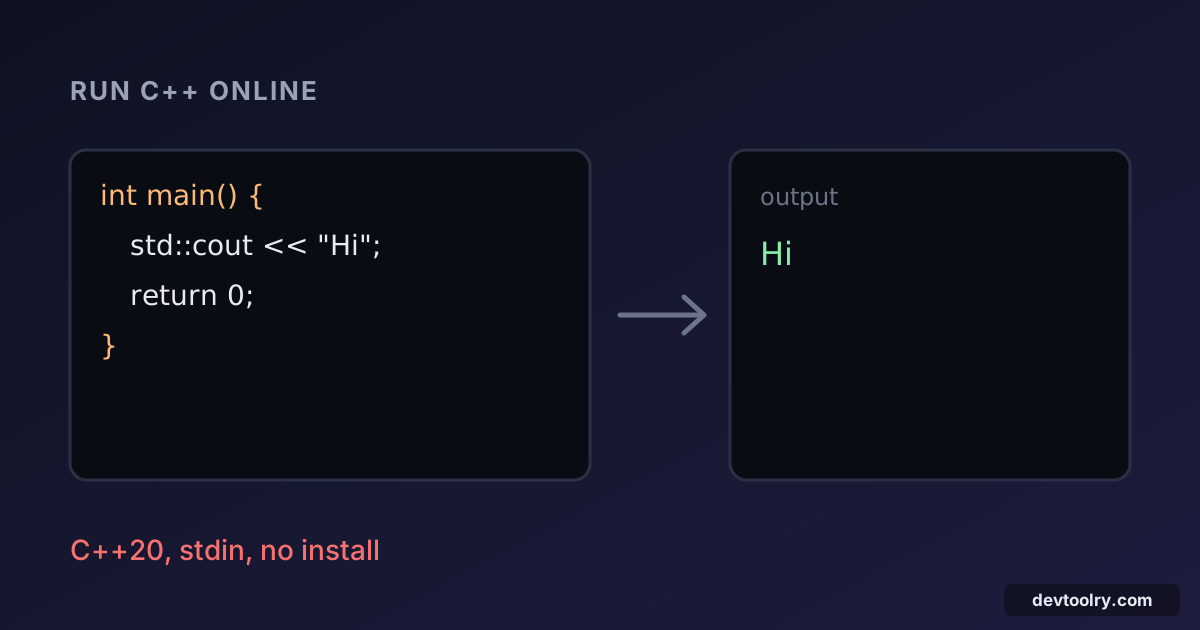
Open the C++ compiler, replace the code with this and press Run:
#include <iostream>

int main() {
    std::cout << "Hello, world!\n";
}
The output panel shows:
Hello, world!Unlike C, main may omit return 0;: reaching the closing brace counts as success. std::cout is the output stream, << sends data into it, and the std:: prefix says the name lives in the standard library namespace. Prefer '\n' over std::endl for newlines: endl also flushes the stream, which slows programs that print a lot.
Give your program input
An online compiler cannot stop mid-run and wait for you to type, so you enter the input in the stdin box before pressing Run. The program then reads it with std::cin exactly as if you had typed it. This program reads a count followed by that many numbers, and prints them sorted:
#include <algorithm>
#include <iostream>
#include <vector>

int main() {
    int n;
    if (!(std::cin >> n)) return 1;
    std::vector<int> v(n);
    for (int& x : v) std::cin >> x;
    std::ranges::sort(v);
    for (int x : v) std::cout << x << ' ';
    std::cout << '\n';
}
Type this into the stdin box:
5 9 2 7 1 4The program prints:
1 2 4 7 9 Note that 5 is the count, so the program reads only the next five values (9 2 7 1 4) and sorts those. Two habits are worth building. First, test the result of std::cin >> n: if the read fails, the variable is not set and your program continues with garbage. Second, remember that cin >> x skips whitespace but stops at the first character that is not part of the value. For reading whole lines with spaces, and the trap of mixing >> with getline, see reading input in C and C++.
Know which language standard you get
C++ changes every three years, and what compiles depends on the standard in use. The online compiler builds everything as C++20, so all the features below work. The table matters when you copy code to your own machine, where you choose the standard with a flag such as -std=c++17.
| Standard | What it adds |
|---|---|
| C++11 | auto, range-based for, lambdas, nullptr, unique_ptr |
| C++14 | Generic lambdas, make_unique |
| C++17 | Structured bindings, std::optional, std::string_view, if with initialisers |
| C++20 | Ranges (std::ranges::sort), concepts, std::span, three-way comparison |
The sorting program above uses std::ranges::sort, which is C++20. Compile it locally as C++14 and you get an error like 'std::ranges' has not been declared. If you see that message for something you know is valid, the first thing to check is the standard your compiler is set to.
Structured bindings arrived in C++17 and make loops over pairs much shorter:
#include <iostream>
#include <string>
#include <vector>

int main() {
    std::vector<std::string> names{"Ada", "Grace", "Linus"};
    for (const auto& [i, name] : std::vector<std::pair<int, std::string>>{{1, "Ada"}, {2, "Grace"}}) {
        std::cout << i << ": " << name << '\n';
    }
    std::cout << names.size() << " names\n";
}1: Ada
2: Grace
3 namesRead C++ compiler errors
Compiler messages give the file, line and column, then the problem. Here is a program with a missing semicolon:
#include <iostream>

int main() {
    std::cout << "Hello, world!" << std::endl
    return 0;
}
g++ reports:
g.cpp: In function ‘int main()’:
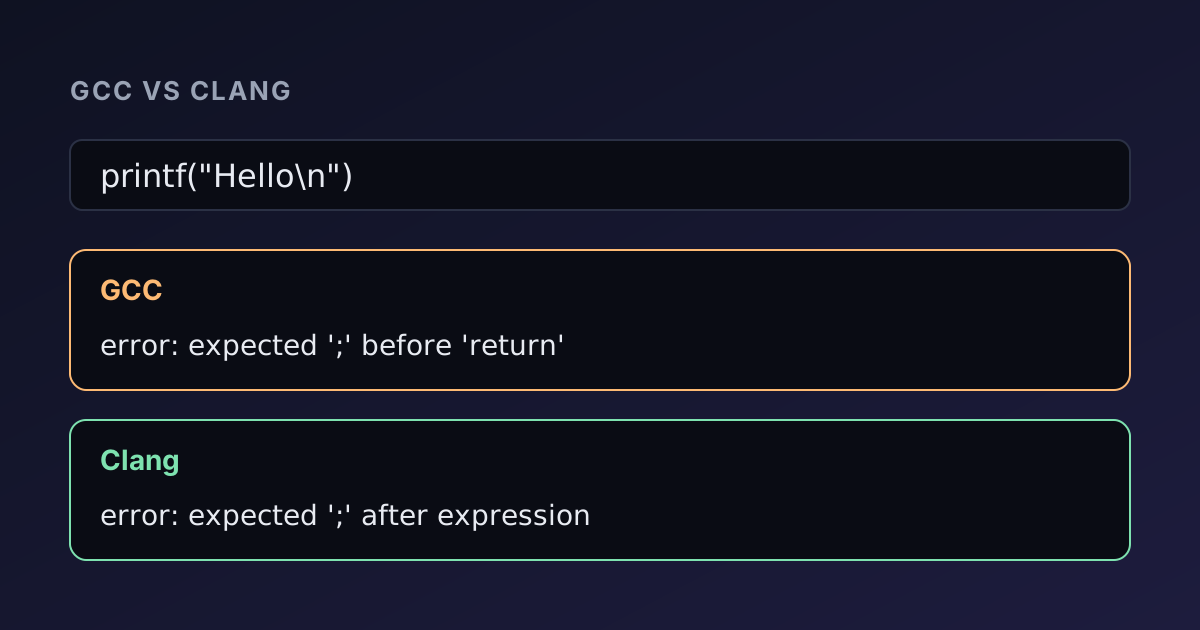
g.cpp:4:46: error: expected ‘;’ before ‘return’
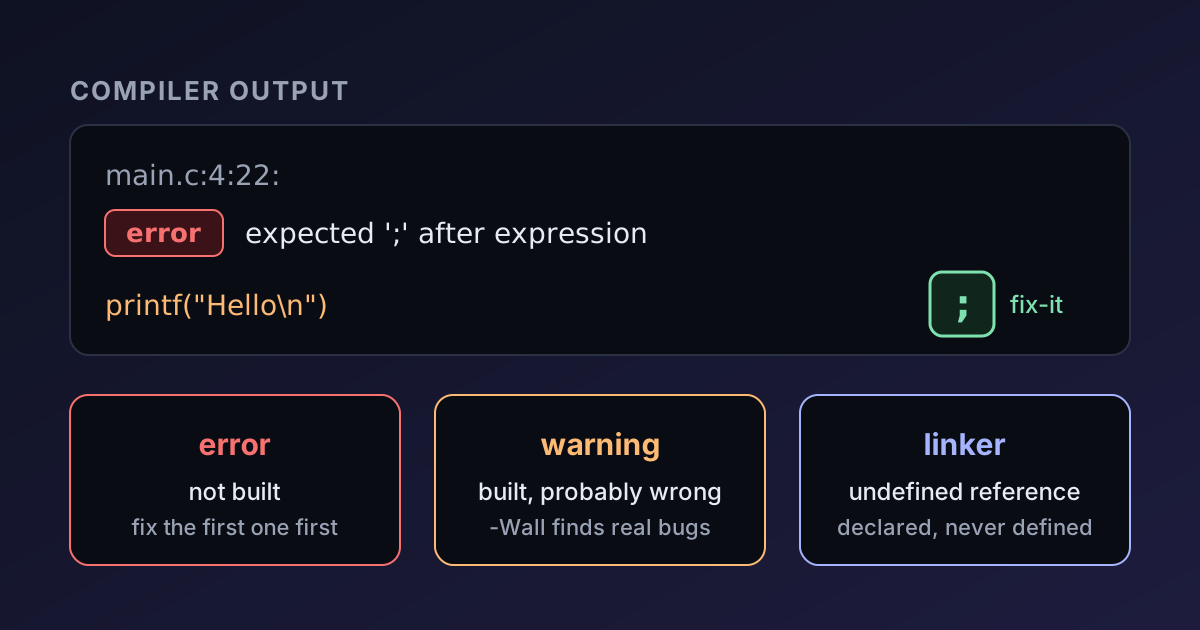
The error points at the return on the next line because that is where the compiler realised the statement had not ended. Fix the first error before looking at the others: one mistake can produce a long cascade of follow-up messages, especially with templates, where a single typo can generate pages of output. Read from the top, and look for the line that begins with error: rather than note: or required from.
Common beginner traps
- Forgetting
std::. If you see'cout' was not declared in this scope, addstd::or ausingdeclaration. Avoidusing namespace std;in anything beyond a short test. - Missing includes.
std::vectorneeds<vector>andstd::stringneeds<string>. Code can seem to work without them when another header pulls them in, then fail on a different compiler. - Reading past the end.
v[10]on a five-element vector compiles and may even appear to work. It is undefined behaviour. Usev.at(10)while learning, which checks the index and stops the program with an error instead of reading random memory. - Integer division.
7 / 2is3. Make one operand adoubleto get3.5.
What an online compiler cannot do
A browser compiler suits small programs and experiments. The code runs in a sandbox, so it cannot open windows, read files from your disk, use the network, wait for key presses or run for long periods. A thrown exception ends the program, because it cannot be caught there. Everything it needs must be in the code or the stdin box.
On Devtoolry, the compiler runs in your browser, so your code is not sent to a server. If you are choosing a compiler for your own machine, GCC vs Clang compares their diagnostics and speed. Working in plain C instead? How to compile and run C code online is the equivalent walk-through, and C pointers explained covers the part of C that C++ programmers still need.

Written by
Avinash Kori
Founder of Devtoolry
Avinash is a full-stack web developer from Surat, India, with eight years of experience in PHP, Laravel and Angular. He built Devtoolry so developers can solve everyday problems quickly with free tools that run entirely in the browser, and writes practical guides on the formats, encodings and techniques behind them.
Try it yourself
The free tools used in this article. They run in your browser, so nothing you paste is uploaded.
C++ Compiler
Run C++ code online for free: compile C++20 with Clang 21 and libc++, type stdin input and see the output. It runs in your browser, so your code stays private.
C Compiler
Compile and run C code online with Clang 21, a GCC-compatible compiler: pick C89 (ANSI C), C99, C11, C17 or C23 and add stdin input. Your code stays private.