Browser extension · Chrome, Edge, Brave
Free SEO Chrome extension that audits the page in your browser
One click gives any page an on-page SEO score with the reasons behind it: title, description, headings, indexability, canonical, alt text and structured data. The same extension formats JSON and opens 178 free developer tools.
- No account
- No daily limits
- The audit never leaves your browser
What the extension does
An on-page SEO audit in one click
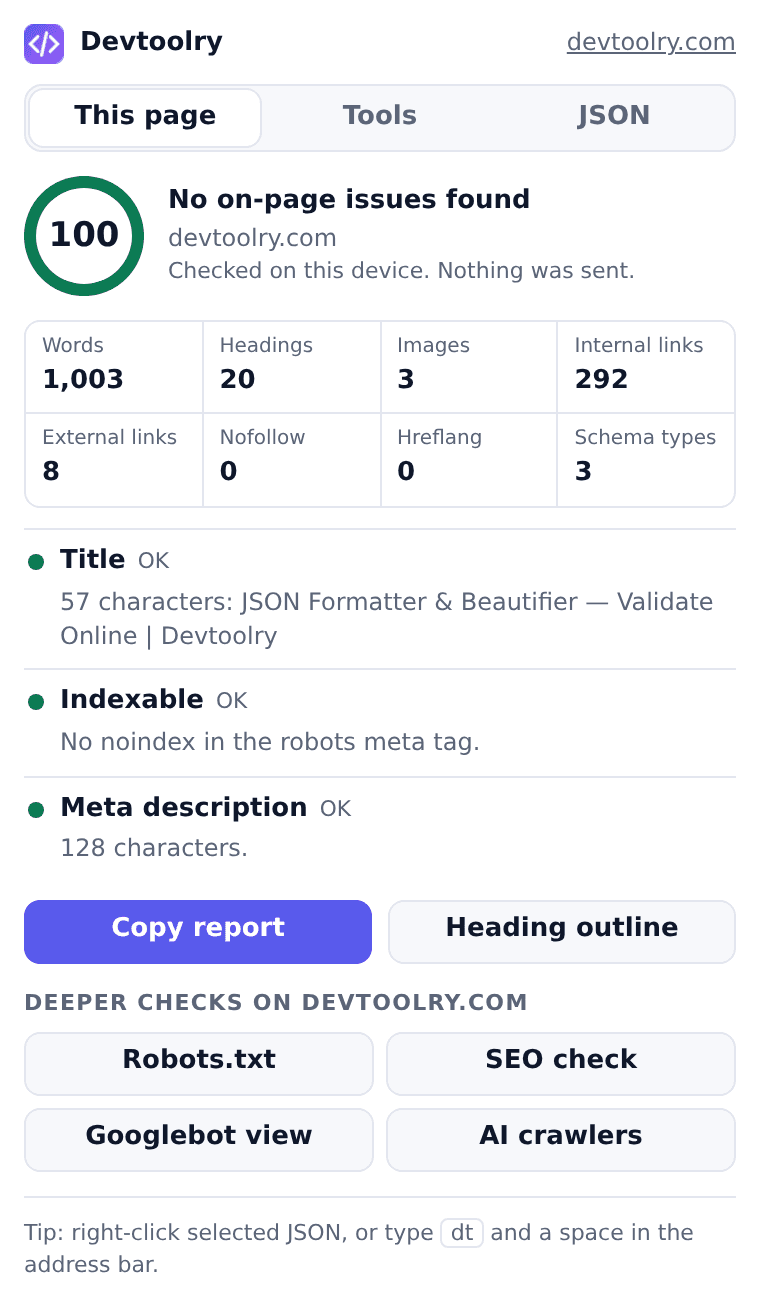
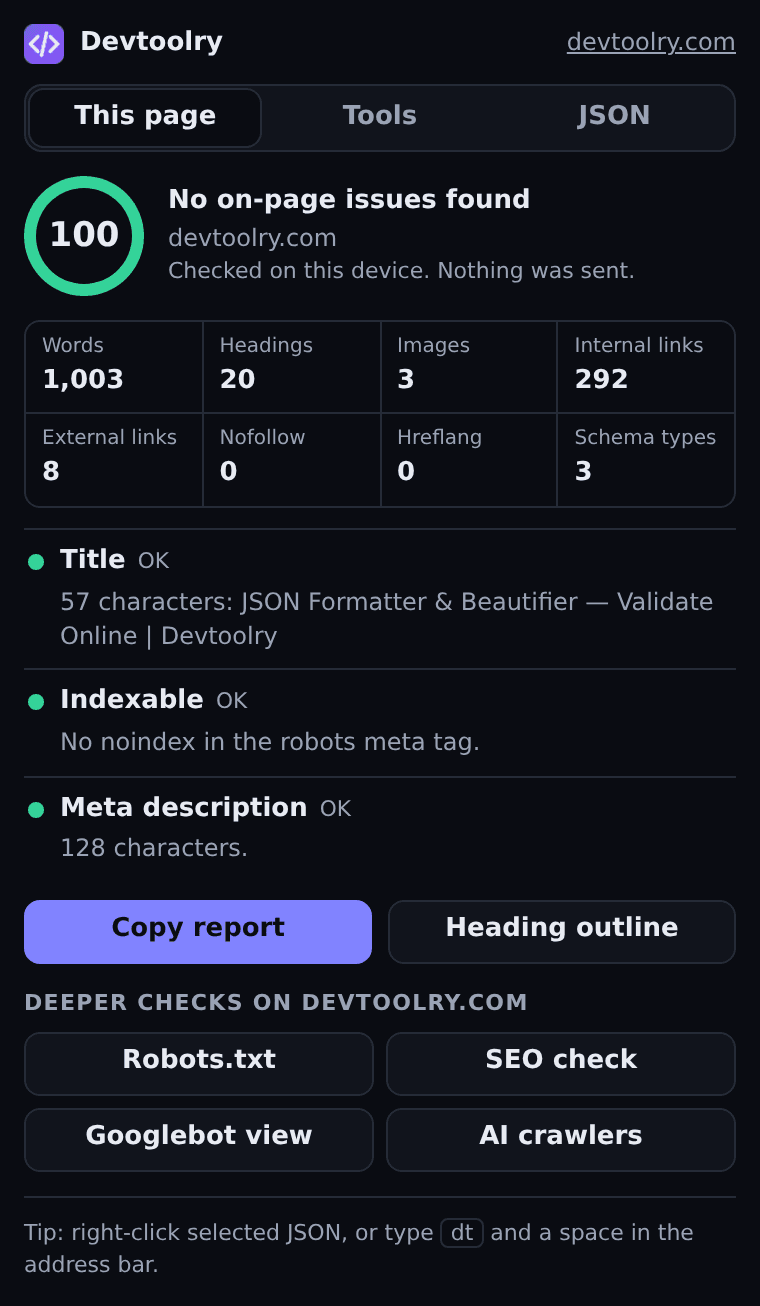
Click the toolbar icon on any page and get a score out of 100 with the reasons behind it. The page is read and scored inside your browser, so it also works on staging sites, pages behind a login and drafts that are not public yet.
- Title and meta description, with their lengths
- H1, heading order and the full heading outline
- Noindex, canonical, HTTPS, viewport and language
- Images without alt text, internal, external and nofollow links
- JSON-LD types, Open Graph tags, hreflang and word count
- Copy the whole report as text for a ticket or an email
Deeper checks for the site you are on
Four buttons under the audit open a full checker on devtoolry.com for the current site, already running. These fetch the public page from our server, the way a crawler would, and only when you click one.
- Robots.txt, validated the way Google reads it
- SEO and indexability check, including status codes and redirects
- Googlebot view: what the crawler receives against what visitors see
- AI crawlers: which AI bots the site allows
JSON, straight from the page
Select JSON anywhere and right-click to format, validate or open it as a tree. An API response open in a tab goes to the viewer in one click, including responses that need your login.
- Format, validate or tree-view selected JSON
- Open a JSON link or the current tab in the JSON Viewer
- Paste JSON into the popup and press Ctrl+Enter
- The text travels after the # in the address, which browsers never send to a server
Every Devtoolry tool, two keystrokes away
Search the whole collection from the popup, or type dt and a space in the address bar, then a tool name. Compilers, formatters, converters, PDF and image tools open in a new tab.
- Search by name or by what you need: "jwt", "c compiler", "pdf"
- Address bar keyword: dt
- Right-click selected text to search the tools for it
How it differs from SEO toolbars
Most SEO extensions put authority scores under every search result. To do that they send what you search and visit to a server. Devtoolry takes the other route: it reports what is on the page, on your device, and says plainly what it leaves out.
| Compared | Devtoolry | Typical SEO toolbar |
|---|---|---|
| Account | Never needed | Often needed for the useful parts |
| Daily limits | None on the page audit | Common: a few runs a day per tool |
| What leaves your browser | Nothing for the audit; the page address only when you click a server check | Usually every domain and search you look at, with an install ID |
| Works on staging and logged-in pages | Yes, the audit reads the open tab | No, a server has to reach the page |
| Changes search result pages | No, it only acts when you click it | Often adds bars and numbers to every result |
| Authority scores (DR, DA) and traffic estimates | Not included | Included, from third-party estimates |
| Developer tools | JSON tools, compilers, formatters, converters | Rarely |
Install it in a minute
Chrome 116 or newer, and Edge, Brave, Opera, Vivaldi.
- Open the Chrome Web Store listing and choose Add to Chrome. It also installs in Edge, Brave, Opera and Vivaldi.
- Pin Devtoolry from the puzzle-piece menu so the icon stays in the toolbar.
- Open any page and click the icon. The audit appears at once; nothing else runs until you click.
What the extension can and cannot see
It has no access to any page until you click its icon or one of its right-click items on that page. It has no tracking, no analytics and no install ID. Selected text and JSON reach a tool in the part of the address after the #, which the browser never sends to a server. The page address is sent to devtoolry.com only when you click one of the four deeper checks. The details are in the privacy policy, and you can check the no-upload claim yourself.
Questions about the extension
Is the Devtoolry SEO extension free?
Yes. The extension, the page audit and every tool it opens are free, with no account and no daily limit on the audit.
Does the extension send the pages I visit to a server?
No. The audit runs inside your browser and its result is never sent anywhere. The extension reads a page only when you open the popup or pick a menu item on it. The four deeper checks do send the address of the current page to devtoolry.com, because the server has to fetch that page, and only when you click one of them.
What does the on-page SEO audit check?
The title and meta description with their lengths, the H1 and heading order, the robots meta tag (noindex), the canonical link, HTTPS, the mobile viewport, the page language, images without alt text, JSON-LD structured data, Open Graph tags and the amount of text. It also counts internal, external and nofollow links and hreflang tags.
Does it show Domain Rating, Domain Authority or traffic numbers?
No. Those are estimates from commercial backlink indexes, not measurements, and showing them means sending every site you look at to a third party. The extension reports what is verifiably on the page instead.
Which browsers does it work in?
Chrome 116 or newer and other Chromium browsers that install from the Chrome Web Store: Edge, Brave, Opera and Vivaldi. Firefox, Safari and mobile browsers are not supported.
Why does it ask for the activeTab and scripting permissions?
activeTab lets the extension read the tab you are on, only after you click its icon or one of its menu items. scripting is how it reads that page for the audit and for "Open this page in JSON Viewer". It has no access to your other tabs or to pages you have not clicked it on.
Can I audit a page on localhost or a staging server?
The audit works on any http or https page your browser can open, including staging servers and pages behind a login. The deeper checks need a public address, because our server has to reach it.
Audit the next page you open
Free, no account. Prefer the browser tab? Start with the Website SEO Checker or the JSON Formatter.