Remove Text from Image
Remove text from images free: words, dates and captions are found automatically and AI rebuilds the background. Works on photos and screenshots, no upload.
Runs in your browser · Nothing uploadedFree · No sign-up
Something not working, or missing a feature? Send feedback
About the Remove Text from Image
Remove Text from Image erases words, dates, prices, captions and labels from photos and screenshots and rebuilds the background behind them. Text is found automatically with Tesseract, the same engine as our Image to Text tool, and every line it finds is selected for you; click a line to keep it, or paint over text it missed. MI-GAN then fills the letters in from their surroundings, on your device, so nothing is uploaded.
Text is found with Tesseract and the background is rebuilt with MI-GAN, both running in your browser after a one-time download (about 31 MB). The image is never uploaded.
How to use the Remove Text from Image
- Choose an image or screenshot, drop it on the page, or paste it with Ctrl+V.
- Wait a moment while the text is found: each line gets a red box and appears in the list.
- Click a box (or untick it in the list) to keep that line, and paint over any text that was missed.
- Press Remove text, compare with the original, then download the image.
Real results
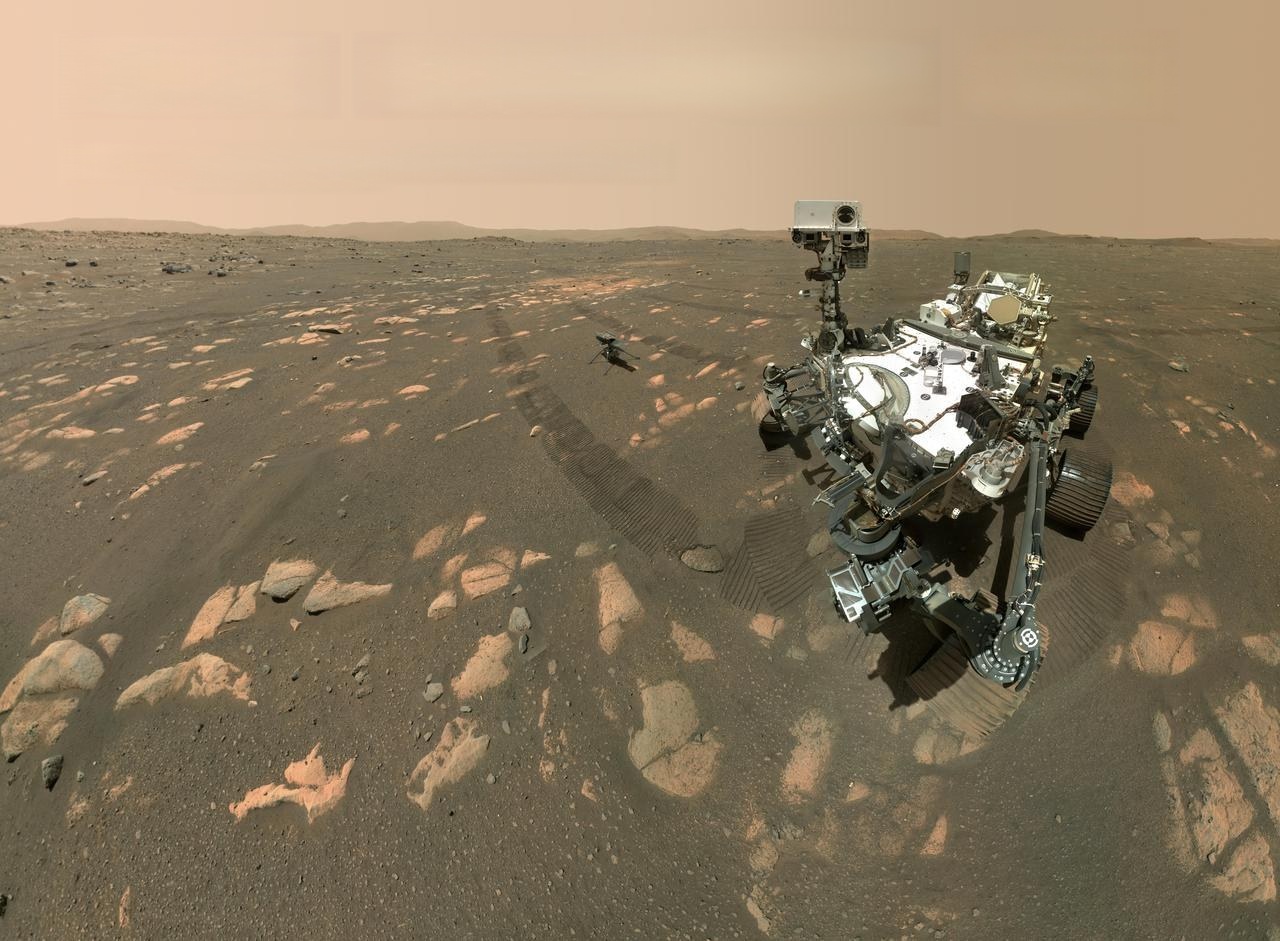
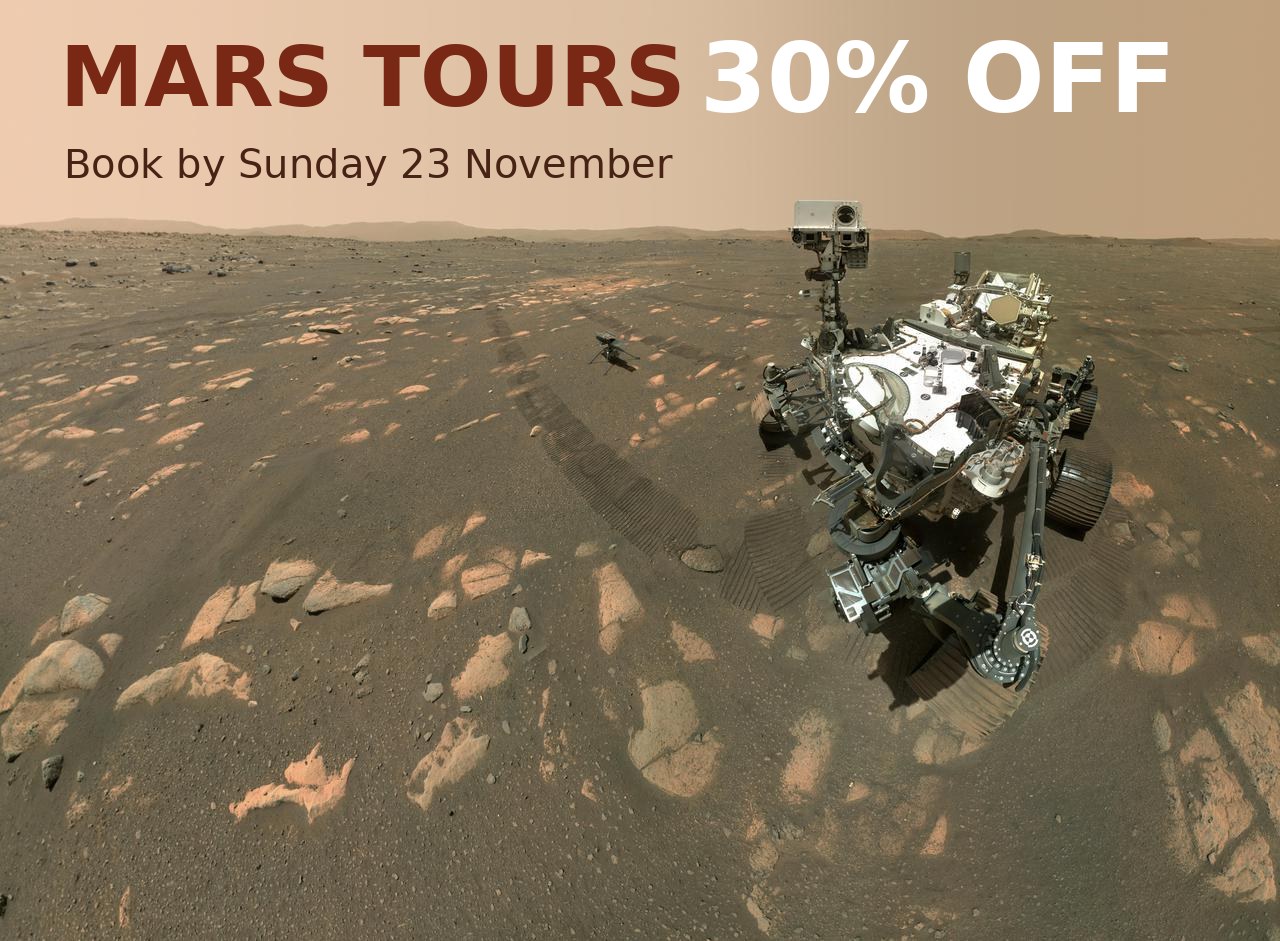
Actual output from this tool on the sample images, not mockups. Drag the slider to compare.
Removing poster text from a photo
Where it works well
- Captions, dates, prices and labels on plain or smoothly changing backgrounds.
- Screenshots and graphics with flat colours.
- Printed text in clear fonts, which the detector finds and selects for you.
Where it struggles
- Text over faces, people or detailed objects: what was hidden behind the letters is invented, not recovered.
- Handwriting, very decorative lettering and text in scripts other than Latin, which the detector may miss; paint over them instead.
- Very large text that covers much of the image: remove it in parts, one line at a time.
Works well with the Remove Text from Image
- Edit Text in Image: to replace the words instead of removing them.
- Image to Text (OCR): to copy the text out of the image before you remove it.
- Remove Object from Photo: for logos, stickers and other things that are not text.
Frequently asked questions
Is my image uploaded?
No. Text detection (Tesseract) and the fill (MI-GAN) both run in your browser after a one-time download of about 31 MB; the image is never sent anywhere.
Why was some text not found?
The detector reads printed Latin-script text best. Handwriting, very stylised lettering, tiny text and text in other scripts can be missed. Paint over it with the brush and it is removed the same way.
Will it leave a smudge where the text was?
On plain, sky-like or gently textured backgrounds the fill is usually seamless. Behind text over faces or detailed objects the model has to invent what was hidden, so look closely and undo or repaint if a patch stands out.
Can I remove a watermark or copyright text?
Only from images you own or have the rights to. Removing someone else's watermark or copyright notice to reuse their image can break copyright law.
Can I replace the text instead of removing it?
Yes: use Edit Text in Image, which removes the old words the same way and draws your new text at the same size, colour and position.
Related tools
Background Remover
Remove the background from photos free with AI: full HD resolution, bulk images, transparent PNG or white background. No upload, no sign-up, no watermark.
Remove Object from Photo
Remove unwanted objects, people and blemishes from photos free: paint over them and AI fills the background on your device. No upload, no sign-up, full size.
Edit Text in Image
Edit text in images online free: change words, prices and dates in photos and screenshots. Old text is removed with AI and new text matches size and colour.
AI Image Upscaler
Upscale images 2× or 4× with AI (Real-ESRGAN): sharper photos, logos and screenshots in higher resolution. Runs in your browser, nothing is uploaded.
Passport Photo Maker
Make passport and visa photos online: US 2×2 in, UK, Schengen, India 3.5×4.5 cm and more, with AI white background, head guides and a 4×6 print sheet. No upload.
Image to Text (OCR)
Extract text from images, screenshots and scanned PDFs with free OCR in your browser. English, Hindi and 20 more languages; nothing is uploaded.