Google Search Console vs Bing Webmaster Tools: Which Do You Need?
Search Console and Bing Webmaster Tools are both free. See what each shows, where Bing is ahead (keywords, backlinks, Copilot citations) and how to use both.
 By Avinash KoriPublished 6 min read
On this page
Google Search Console and Bing Webmaster Tools do the same basic job. They show how a search engine sees your site: which searches you appear for, which pages are indexed and what is broken. Both are free, and both need you to prove you own the site. Most site owners set up Google first and never open Bing. That is a mistake, and not because of Bing's search traffic. Bing gives you several reports that Google does not, including the only first-party report on AI citations that exists today.
This guide compares the two report by report, then shows a simple routine for using both.
The short answer
Use both. They take about ten minutes to set up together, because Bing can import your verified sites from Google.
- Google Search Console is the one you cannot skip. Google sends most search traffic, and only Search Console tells you why a page is not in Google's index.
- Bing Webmaster Tools is the one that gives you more for free: a keyword research tool, a backlink report with competitor comparison, a site crawler, instant indexing through IndexNow, and an AI Performance report that counts how often Microsoft Copilot cites your pages.
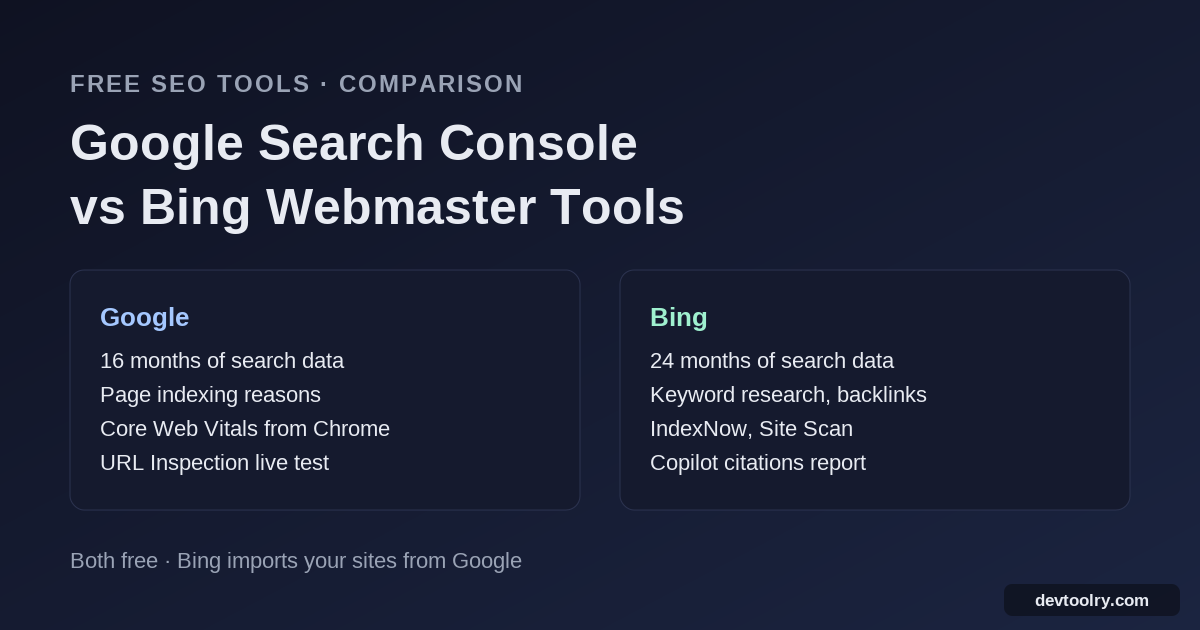
| Google Search Console | Bing Webmaster Tools | |
|---|---|---|
| Search performance history | 16 months | 24 months |
| Rows in the web interface and export | 1,000 per report | Varies by report |
| Index coverage report | Page indexing, with reasons | Site Explorer, with index status |
| Live URL test | URL Inspection | URL Inspection |
| Fast indexing for any page | No (request indexing by hand) | Yes, IndexNow and URL submission |
| Keyword research | No | Yes, with Bing search volumes |
| Backlinks | Top linking sites, your site only | Your links plus "similar sites" comparison |
| Site crawler | No | Site Scan |
| AI citation data | No separate AI report | AI Performance (Copilot citations) |
| Core Web Vitals | Yes, from Chrome users | No |
| Manual actions and security issues | Yes | Yes (messages and malware warnings) |
Search performance: what people search for
Both tools have a performance report with clicks, impressions, click-through rate and average position, filterable by query, page, country and device.
Google keeps 16 months of data. The web interface shows and exports only the top 1,000 rows of each table, so on a busy site the long tail is cut off unless you use the API or Looker Studio. Clicks from AI Overviews and AI Mode are counted inside the normal Web results, not in a separate filter, so you cannot see them on their own.
Bing extended its performance history to 16 months in October 2024 and to 24 months in August 2025, with country and device filters and a trend line per keyword. Two years of data makes year-on-year comparisons easy, which Google's 16 months only just allows.
Whichever tool you export from, the numbers are more useful once sorted into actions. Our Search Console Analyzer takes a performance export and lists page-two keywords, titles with low click-through rate and pages competing for the same query. It runs in your browser, so the file is not uploaded. To see positions change week by week, save snapshots in the Keyword Rank Tracker.
Indexing: is the page in the index?
This is where Google Search Console has no replacement. The Page indexing report lists every URL Google knows about with the reason it is or is not indexed: "Crawled - currently not indexed", "Duplicate without user-selected canonical", "Blocked by robots.txt", "Excluded by noindex tag" and so on. URL Inspection shows the last crawl, the canonical Google chose and, with a live test, the rendered HTML and screenshot. If a page is missing from Google, start there.
Bing has its own URL Inspection and a Site Explorer that shows crawled URLs, their status and whether they are indexed, but the reasons are less detailed.
Bing is ahead on speed. It supports IndexNow: your site pings an endpoint whenever a URL is added, changed or deleted, and Bing (along with Yandex, Seznam and Naver, which share the protocol) can crawl it within minutes. Google does not use IndexNow; there you submit a sitemap and request indexing for important pages by hand. In both tools, submit the same XML sitemap. Check it first with the Sitemap Validator: a sitemap full of redirects, 404s or noindex pages wastes crawl time in both engines.
Keywords and backlinks: where Bing gives more
Keyword research. Bing Webmaster Tools includes a free keyword research tool with search volumes from Bing, related keywords and trends by country and device. Bing's volumes are smaller than Google's, but the relative sizes are a useful guide when you have no paid tool. Search Console only shows keywords you already rank for. For new ideas outside both, our Keyword Generator collects autocomplete suggestions from Google, Bing, YouTube and DuckDuckGo.
Backlinks. Google's Links report lists your top linking sites and most-linked pages, and its export is the best free list of the links Google actually knows about. Bing's backlink report adds a "similar sites" view, so you can compare your links with a competitor's, which is normally a paid feature. To review Google's list for spam and build a disavow file if you really need one, drop the export into the Backlink Audit.
Site Scan. Bing can crawl your site and report SEO problems such as missing titles, broken links and redirect chains, similar to a paid site audit. Our Site Audit Tool does the same without verification and also works on sites you do not own.
AI search: Copilot citations in Bing
Since February 2026 Bing Webmaster Tools has an AI Performance report (in public preview) for every verified site. It counts how often your pages are cited in Microsoft Copilot and in AI-generated answers on Bing, which pages are cited, and the "grounding queries" behind those citations. In June 2026 Microsoft added views for intents, topics and citation share.
It has limits. It covers only Microsoft's products, not ChatGPT, Perplexity or Google's AI Overviews, and it shows citations, not clicks. It is still the only first-party AI citation data a search engine gives site owners. Google Search Console counts AI Overviews and AI Mode traffic inside the normal Web totals and does not report them separately.
To improve the chance of being cited anywhere, make sure AI crawlers can reach the page and that its sections answer questions directly. The AI Crawler Checker shows which bots your robots.txt allows, and the GEO checklist covers the content side.
How to set up both in ten minutes
- Verify in Google Search Console. A Domain property (DNS TXT record) covers every subdomain and both http and https. A URL-prefix property can be verified with an HTML file, a meta tag or Google Analytics.
- Submit your sitemap in Search Console under Sitemaps.
- Sign in to Bing Webmaster Tools and choose Import from Google Search Console. Bing copies your verified sites and their sitemaps, with no second verification.
- Turn on IndexNow. Many platforms have it built in (some CDNs and WordPress SEO plugins send pings automatically). Otherwise add a key file and send changed URLs to the IndexNow endpoint after each release.
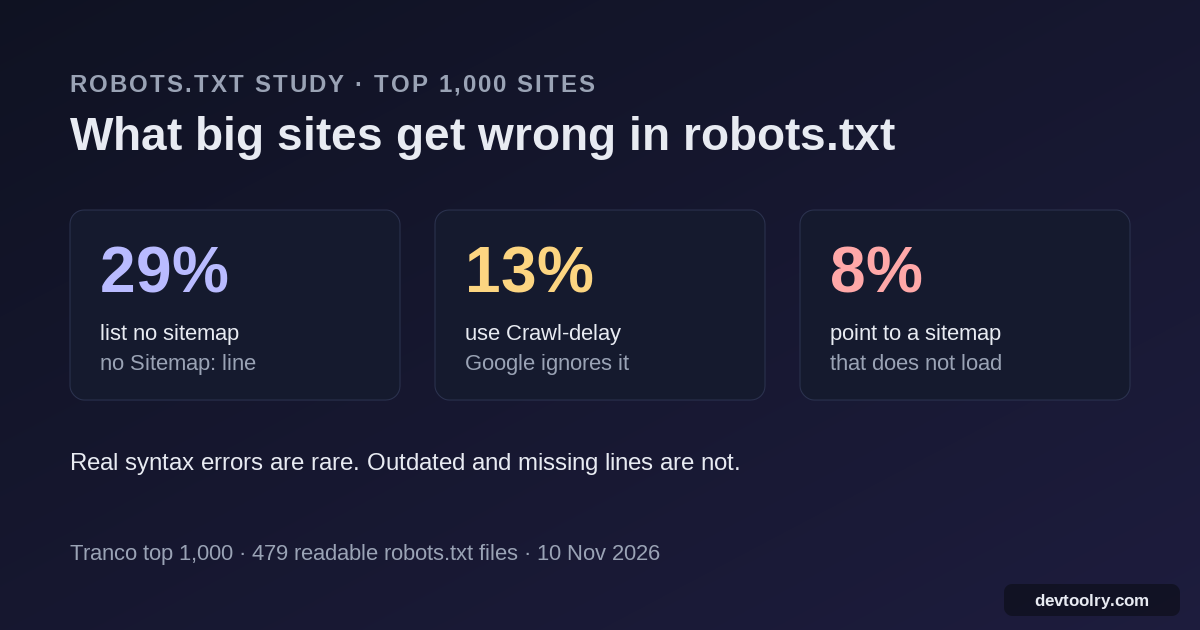
- Check robots.txt once with the Robots.txt Checker: both Googlebot and Bingbot should be allowed to fetch your pages, CSS and JavaScript.
A weekly routine using both
- Monday, Google: open Page indexing for new "not indexed" reasons, then export the performance report and run it through the analyzer for page-two keywords to improve.
- Monday, Bing: look at the AI Performance report for new cited pages and grounding queries; they show which questions AI answers use your pages for.
- Monthly: compare the two performance reports. A page that ranks well on Bing but not on Google usually has a Google-specific problem (indexing, canonical, or a stronger competitor), not a content problem.
- After each release: submit changed URLs through IndexNow and request indexing in Google for the most important new pages.
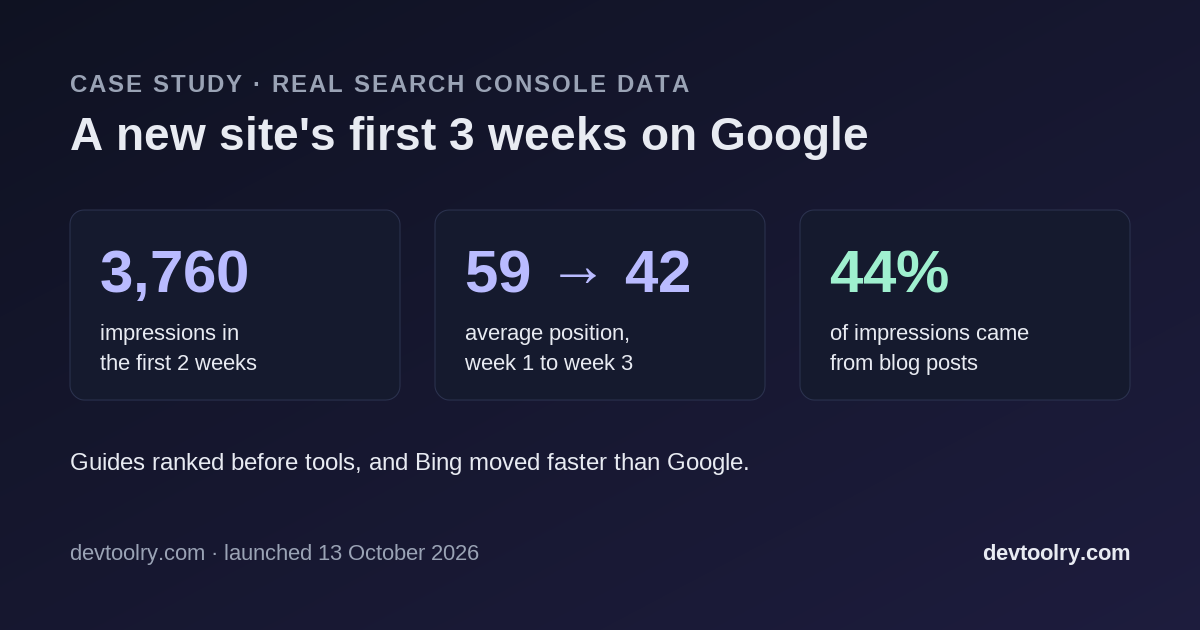
If your site is new, read what happens in a new site's first weeks on Google for realistic numbers on how quickly impressions appear in Search Console.
Summary
Google Search Console is required: it is the only way to see why Google does or does not index a page. Bing Webmaster Tools is the bonus that many sites miss: two years of data, keyword volumes, competitor backlinks, a crawler, IndexNow and the first report on AI citations. Both are free, Bing imports your setup from Google, and checking them once a week takes less time than most paid SEO dashboards.

Written by
Avinash Kori
Founder of Devtoolry
Avinash is a full-stack web developer from Surat, India, with eight years of experience in PHP, Laravel and Angular. He built Devtoolry so developers can solve everyday problems quickly with free tools that run entirely in the browser, and writes practical guides on the formats, encodings and techniques behind them.
Connect on LinkedInTry it yourself
The free tools used in this article. They run in your browser, so nothing you paste is uploaded.
Search Console Analyzer
Drop your Google Search Console export to find page-2 keywords, low-CTR titles, question queries and cannibalised pages. Analysed in your browser, never uploaded.
Keyword Rank Tracker
Track your Google rankings free with Search Console data: save a snapshot each week and see every keyword's position over time, winners, losers and new keywords.
Backlink Audit Tool
Audit the backlinks Google knows about: drop your Search Console links export to see linking sites, spot spammy domains and build a disavow file. Read in your browser.
Sitemap Validator
Validate an XML sitemap or sitemap index: format, URL limits, duplicates, lastmod dates, robots.txt blocks, and the status of every listed URL (404s, redirects, noindex).