Photo and Signature Size for NEET, JEE Main, UPSC and Bank Exam Forms
Official photo, signature and document sizes for NEET, JEE Main, UPSC and IBPS bank forms, taken from the notices, and how to get each file into range.
 By Avinash KoriPublished 6 min read
On this page
Most exam forms in India reject an upload for one of three reasons: the file is too large, the file is too small, or it is in the wrong format. The limits are printed in each exam's notice or information bulletin, but they are buried on page 8 or page 16, and the coaching-site summaries often disagree with each other.
This guide lists the photo, signature and document limits for NEET UG, JEE Main, UPSC and IBPS-format bank exams. Every figure was copied from the official PDF, which is linked at the end. It then shows how to get each file into range with free tools that run in your browser, so your photo and certificates are not uploaded to another website first.
The limits at a glance
| Exam | Photo | Signature | Other uploads |
|---|---|---|---|
| NEET UG 2026 | JPG, 10–200 KB | JPG, 10–100 KB | Finger and thumb impressions JPG; certificates PDF, 50–300 KB |
| JEE Main 2027 | JPG, 10–200 KB, plus a live photo | JPG, 10–100 KB | Class 10 certificate or marks sheet PDF, 50–300 KB |
| UPSC Civil Services 2026 | Upload plus a live photo | Signed three times, one below the other | Limits shown on the upload page |
| IBPS-format bank exams | 200 × 230 px preferred, 20–50 KB | 140 × 60 px preferred, 10–20 KB | Thumb 20–50 KB, declaration 50–100 KB |
Two rules apply to all of them. First, the minimum matters as much as the maximum: a 6 KB signature is rejected by a form that asks for 10–100 KB. Second, forms differ in whether a kilobyte is 1,000 or 1,024 bytes. The Image Compressor counts 1,000, so a result at the limit passes either check; with other tools, aim a little under the maximum.
NEET UG: photo, signature and thumb impressions
The NEET (UG) 2026 information bulletin asks for these scanned images:
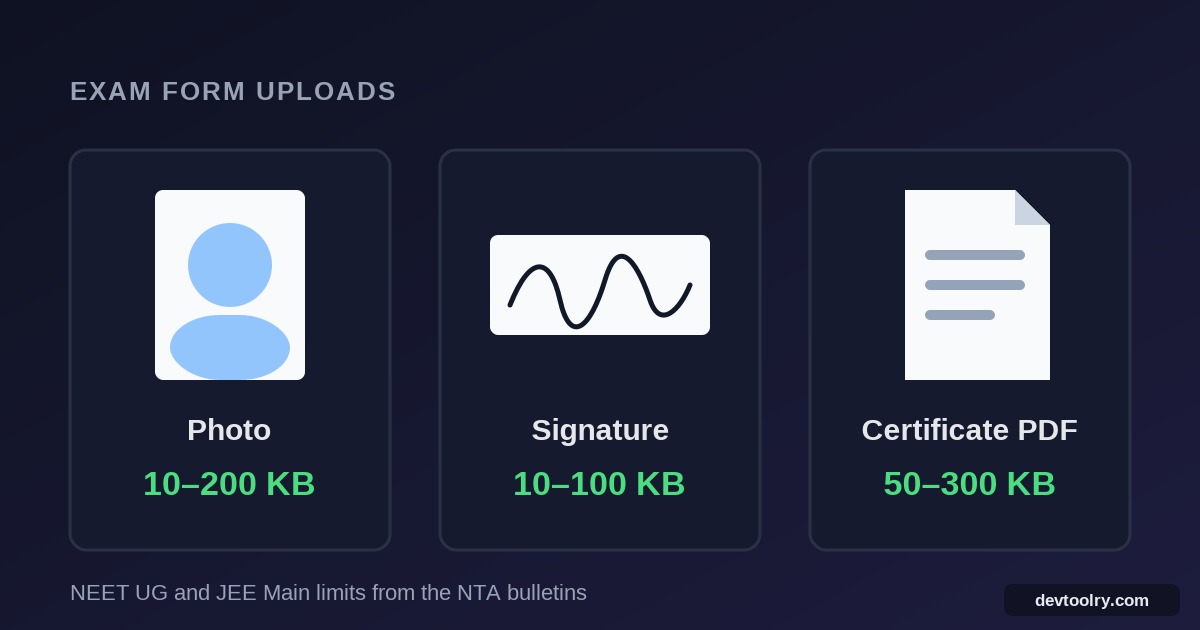
- Photograph: a recent passport-size photo in colour or black and white, JPG/JPEG, 10 KB to 200 KB. The face, including the ears and without a mask, must fill 80% of the image, against a white background.
- Signature: JPG/JPEG, 10 KB to 100 KB.
- Left and right hand fingers and thumb impressions: JPG/JPEG. The upload list gives 10 KB to 200 KB, while a later paragraph of the same bulletin says 50 KB to 300 KB. A file between 50 KB and 200 KB satisfies both, so aim for that range.
- Certificates (Class 10 certificate and marks sheet, category, PwBD, address proof): PDF, 50 KB to 300 KB each.
The bulletin also tells candidates to keep 6 to 8 passport-size and 4 to 6 postcard-size (4 × 6 inch) colour photos with a white background for the exam centre and counselling. Use the same photo you upload: a different one can cause trouble at verification.
The bulletin for the next NEET cycle usually appears in February. Check its "Upload scanned images" section before you apply, because limits can change from one year to the next.
JEE Main: live photo and scanned photo
The JEE (Main) 2027 bulletin asks for both a live photograph, taken with the webcam or phone camera while you fill in the form, and an uploaded scanned photo:
- Photograph: recent passport-size photo in colour, 80% face (with ears, without a mask) against a white background, JPG/JPEG, 10 KB to 200 KB.
- Signature: JPG/JPEG, 10 KB to 100 KB.
- Class 10 certificate or marks sheet: PDF, 50 KB to 300 KB. The same range applies to the disability/UDID certificate and, for foreign nationals, the passport.
For Session 1 (January 2027) the application window is 24 October to 22 November 2026, with a late-fee window from 23 to 26 November. Because the live photo is compared with the uploaded one, take both on the same day in similar light, and don't upload an old photo.
UPSC: live photo and the triple signature
The Civil Services Examination 2026 notice asks applicants to upload a photograph and capture a live photograph while filling in the Common Application Form. The two must match. For the signature, applicants sign three times, one below the other, on plain white paper in black ink, and upload that single image.
The notice does not print file sizes. It points to "Instructions and FAQs > Instruction for filling the form > Photos and Signature" on upsconline.nic.in for the current limits. Read them there, then use the steps below to hit the range.
IBPS and other bank exams
Bank recruitment notices that follow the IBPS format fix both pixels and file size:
| File | Pixel size | File size |
|---|---|---|
| Photo | 200 × 230 px (preferred) | 20–50 KB |
| Signature | 140 × 60 px (preferred) | 10–20 KB |
| Left thumb impression | 240 × 240 px at 200 dpi | 20–50 KB |
| Handwritten declaration | 800 × 400 px at 200 dpi | 50–100 KB |
These are the tightest limits on this page. A 10–20 KB signature needs both a small pixel size and moderate JPEG compression, which the steps below handle.
How to get a photo into range
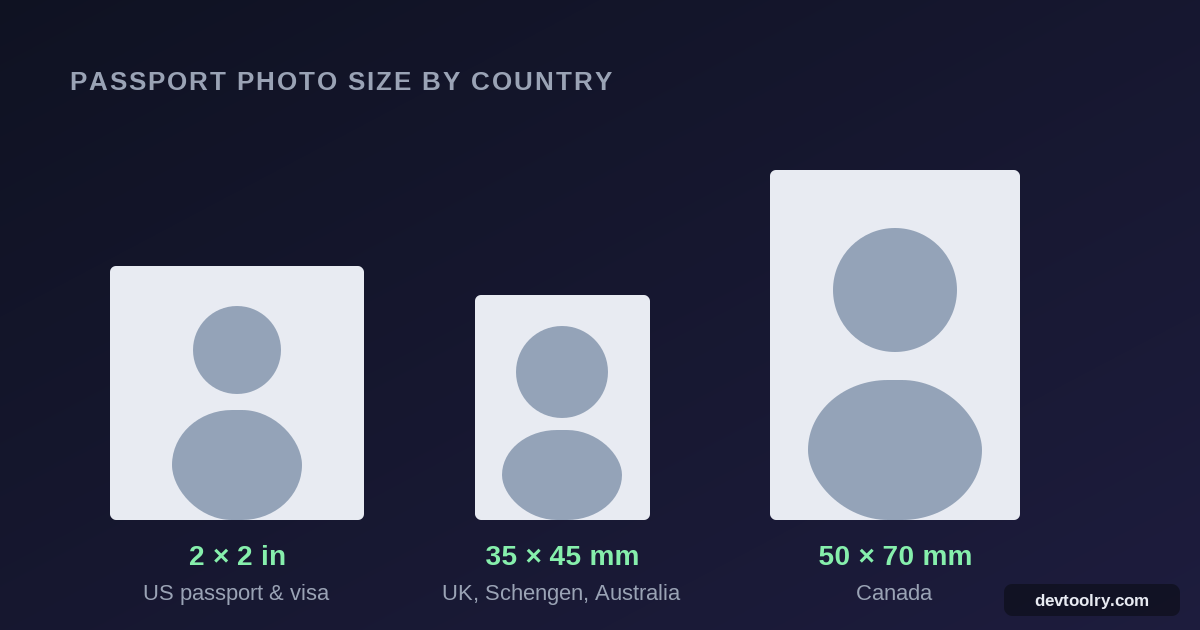
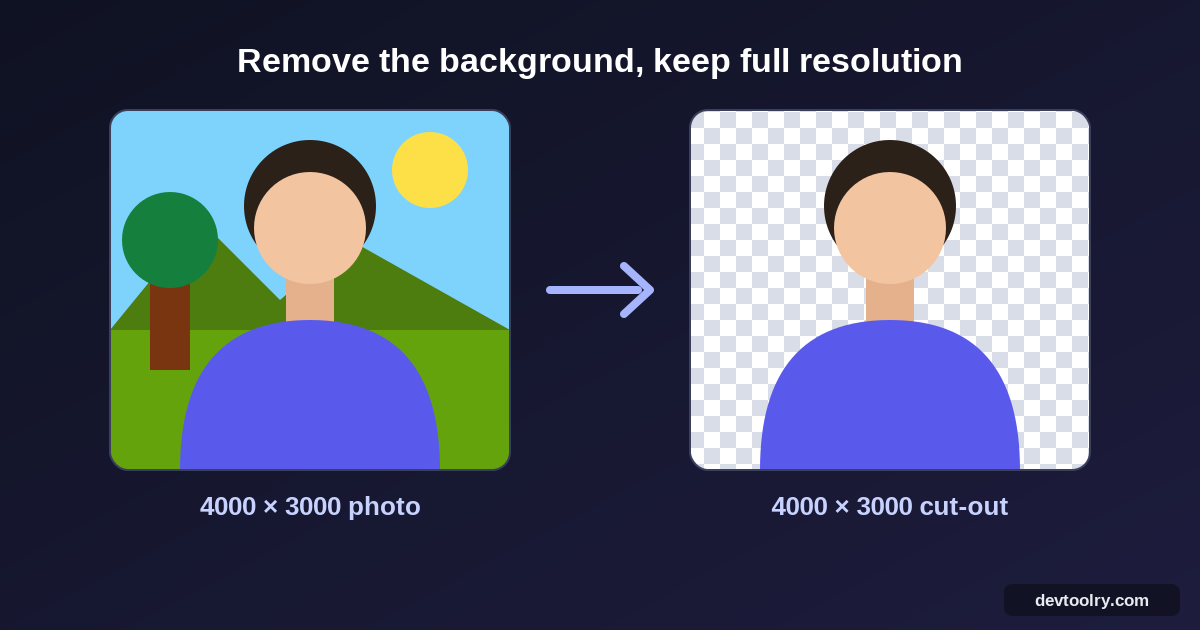
- Start with a good photo. Use a plain white wall, light from the front and a phone held at eye level. The Passport Photo Maker has a "Passport-size photo, 3.5 × 4.5 cm (Indian forms)" preset that crops to the right shape, places the head with guides and can replace the background with white.
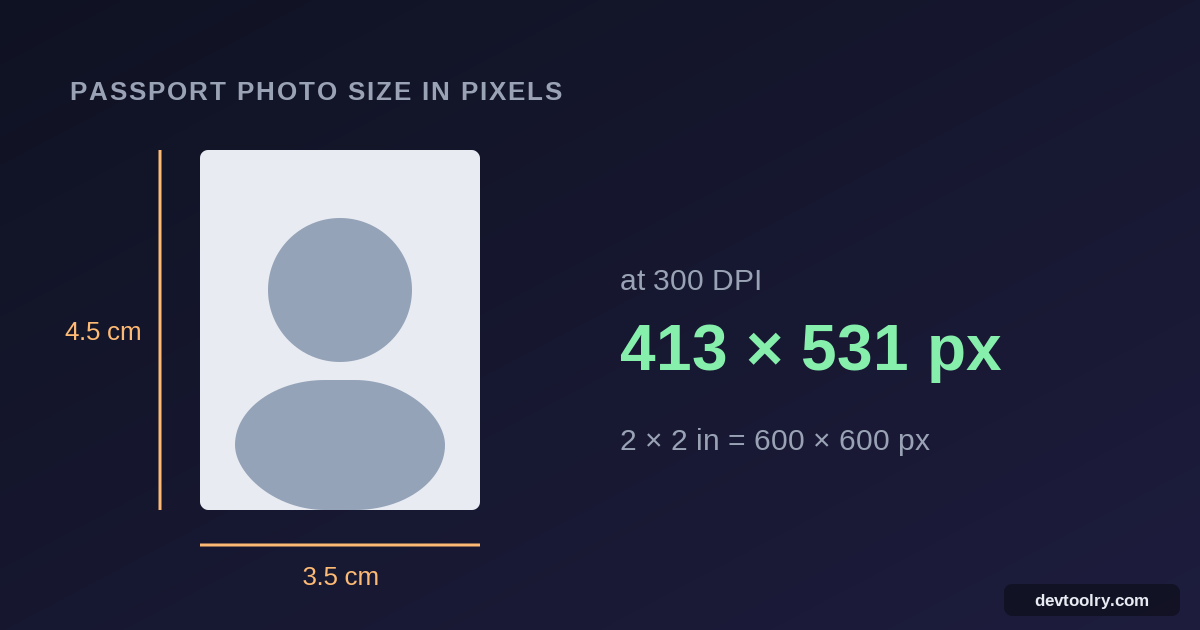
- Check the pixel size. At 300 dpi, 3.5 × 4.5 cm is 413 × 531 pixels, which is comfortably above what any of these forms need. Our guide to passport photo size in pixels explains the conversion. For an IBPS form, resize to 200 × 230 px with the Image Resizer.
- Compress to the limit. Open the Image Compressor, choose File size and type the maximum the form allows: 200 KB for NEET or JEE, 50 KB for IBPS. The top of the range keeps the most detail. The tool lowers the JPEG quality until the file fits. How to compress an image to 20 KB shows real before-and-after results.
- Check the minimum. If the result is below the form's minimum (rare for photos, common for signatures), compress again with a higher target or a larger pixel size.
How to prepare a signature
Sign in black ink on plain white paper, larger than you normally would, and photograph it in daylight without a shadow. Then:
- Crop tightly around the signature with the Image Cropper, so the file is mostly ink and white paper, not the table underneath.
- For IBPS, resize it to 140 × 60 px. For NEET and JEE no pixel size is fixed.
- Compress it to the form's maximum: 100 KB for NEET or JEE, 20 KB for IBPS. A small, tightly cropped signature can come out under 10 KB; if it does, use a larger pixel size or a higher target.
For UPSC, the image is the sheet with your three signatures, so crop around all three and keep them in one file.
How to get a certificate PDF to 300 KB
Exam forms want certificates as PDF, usually 50–300 KB each. If you have photos of the pages, combine them into one PDF with JPG to PDF; our guide to combining photos into one PDF shows how to keep the pages straight and readable. Then open Compress PDF and set a size limit, such as 280 KB. If a multi-page scan still won't fit, compressing a PDF without losing quality explains what makes a scanned PDF large and which compression level to pick.
Keep the text legible. Every bulletin above says "clearly legible", and a certificate compressed until the marks can't be read is a rejected certificate.
Why the tools here run in your browser
A photo, a signature and a Class 10 certificate together are most of what someone needs to impersonate you on a form. The image and PDF tools linked in this guide process the files on your own device and don't upload them; how to check that a tool doesn't upload your files shows how to confirm it yourself in the browser's network panel.
Sources
Figures were checked against these official documents on 19 November 2026. Each exam publishes a new notice every cycle, and the notice you apply under always wins.
- NTA, Information Bulletin NEET (UG) 2026, page 16 and the photograph instructions that follow.
- NTA, Information Bulletin JEE (Main) 2027, important dates and "Step 2: Application Form".
- UPSC, Civil Services (Preliminary) Examination 2026 notice, notes on uploading the photograph and signature.
- Punjab & Sind Bank, recruitment notice in the IBPS format, photo, signature, thumb impression and declaration specifications.

Written by
Avinash Kori
Founder of Devtoolry
Avinash is a full-stack web developer from Surat, India, with eight years of experience in PHP, Laravel and Angular. He built Devtoolry so developers can solve everyday problems quickly with free tools that run entirely in the browser, and writes practical guides on the formats, encodings and techniques behind them.
Connect on LinkedInTry it yourself
The free tools used in this article. They run in your browser, so nothing you paste is uploaded.
Image Compressor
Compress JPG, PNG and WebP images online to an exact size like 20 KB, 50 KB or 100 KB for upload forms, or by quality. Images never leave your browser.
Passport Photo Maker
Make passport and visa photos online: US 2×2 in, UK, Schengen, India 3.5×4.5 cm and more, with AI white background, head guides and a 4×6 print sheet. No upload.
Image Cropper
Crop images online with a draggable box, fixed ratios like 1:1, 16:9 or 1200×630, or exact pixel values. Save as JPEG, PNG or WebP without uploading.
Compress PDF
Compress PDF files online to a size limit like 100 KB, 200 KB or 500 KB for upload forms, or by level. Text stays sharp where possible. Nothing is uploaded.